6-Axis Robot Arm with Omni Wheels
💡 Project Overview
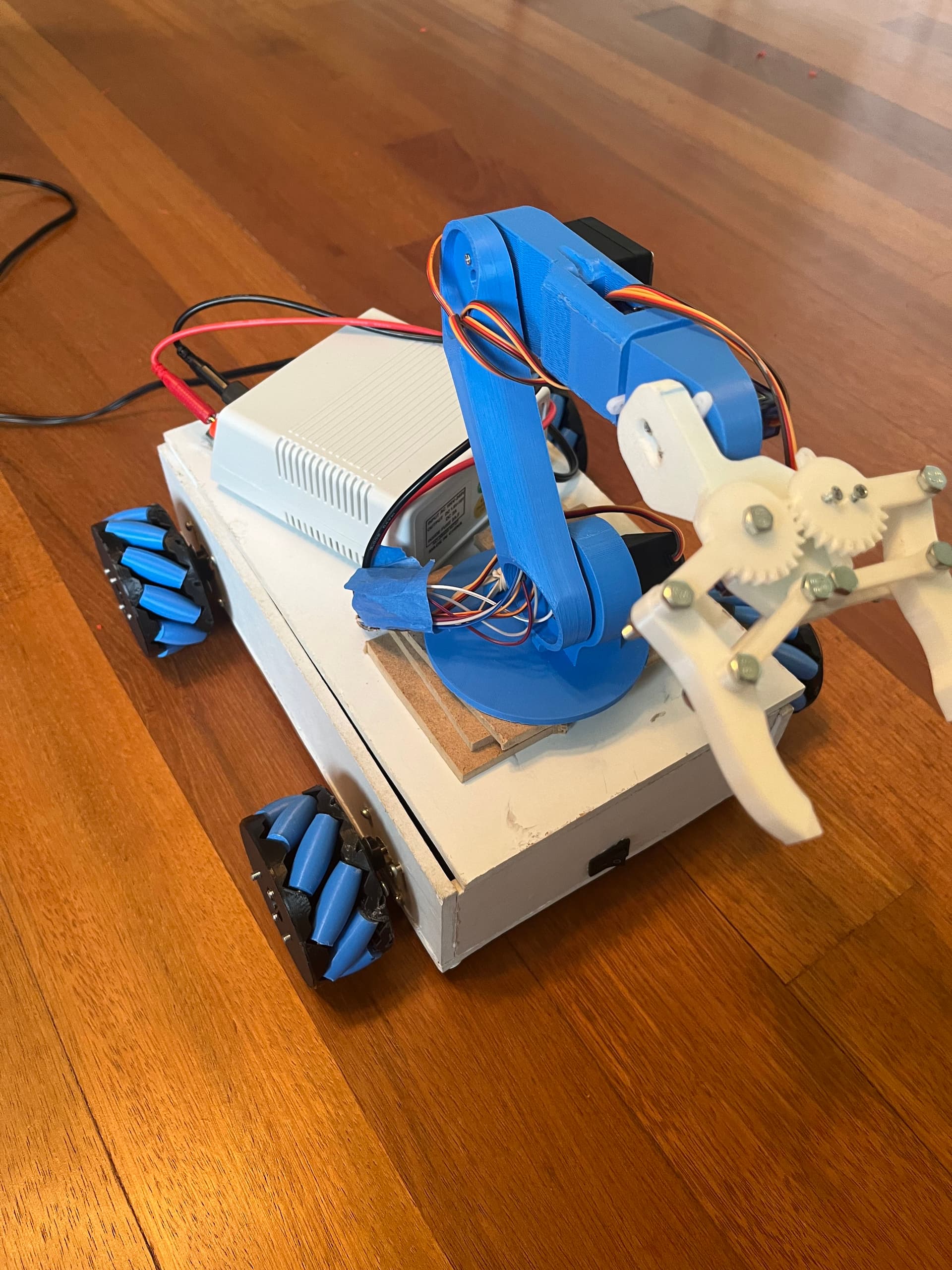
This project is a re-engineered and expanded version of a 6-Axis robotic arm originally developed by How To Mechatronics (linked below). I’m incredibly grateful for their tutorials and documentation—both their articles and videos helped answer many of my questions as I was just getting started in electronics. I highly recommend their content to anyone interested in robotics or embedded systems. I chose to build this project as a way to dive deeper into mechanical engineering while simultaneously exploring electrical engineering. At the time, I was enrolled in an electronics course during my junior year of high school, and this hands-on challenge perfectly bridged both disciplines. This became a two-part project. In the first semester, I designed and built the original 6-Axis robotic arm, taking inspiration from How To Mechatronics but manually designing every part using Autodesk Inventor. I then followed their guidance to assemble the circuitry and connect the arm to a custom-built app interface. The final build, printed in black filament, was completed by the end of the school year. Over the summer, I decided to take the project even further by building an upgraded version: a mobile platform for the robotic arm using omni-directional wheels. For this phase, I utilized the original design files from How To Mechatronics, integrating the robot arm onto a drive base that enabled full 360° mobility—transforming it into a much more dynamic system.
How To Mechatronics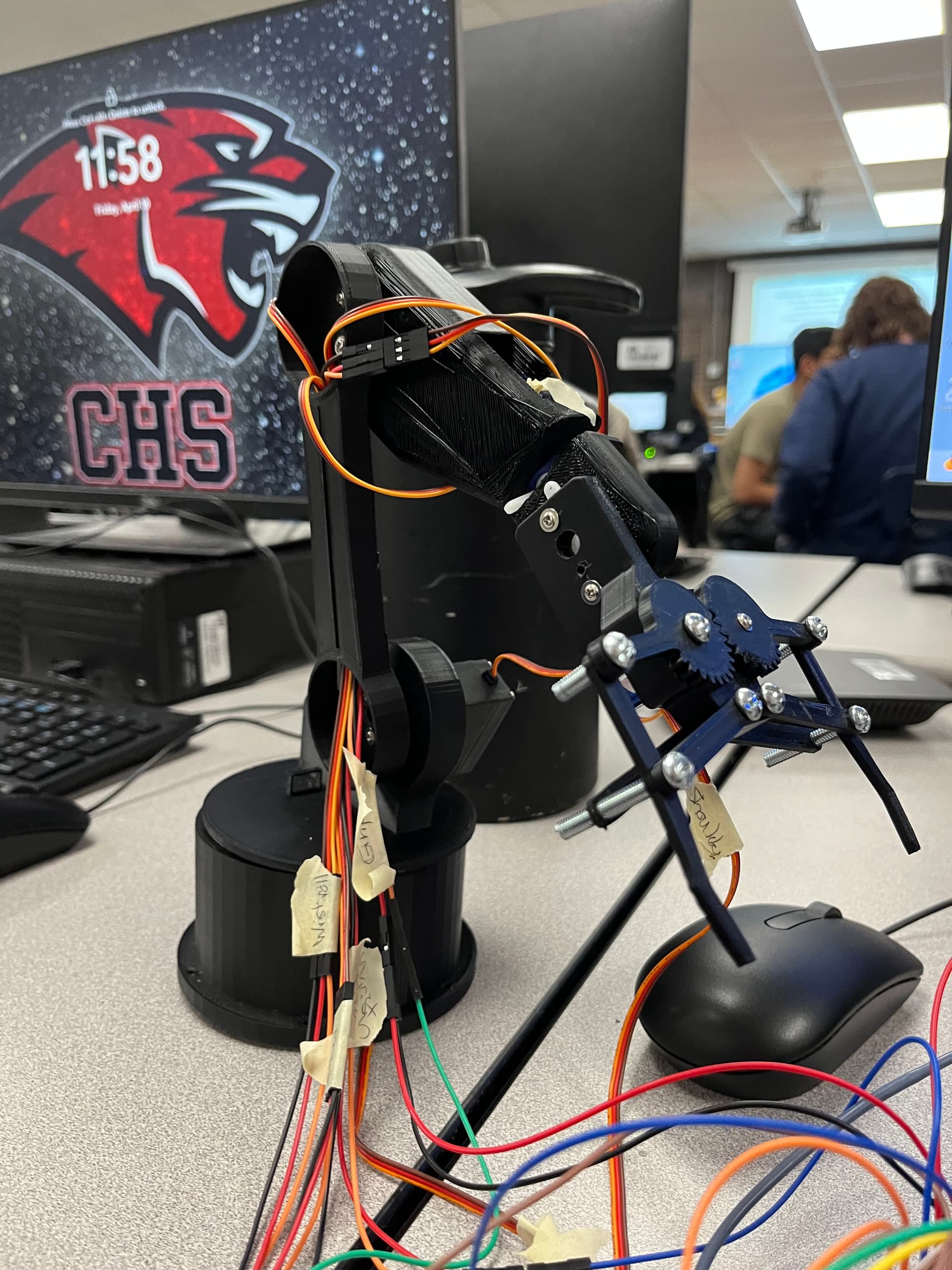
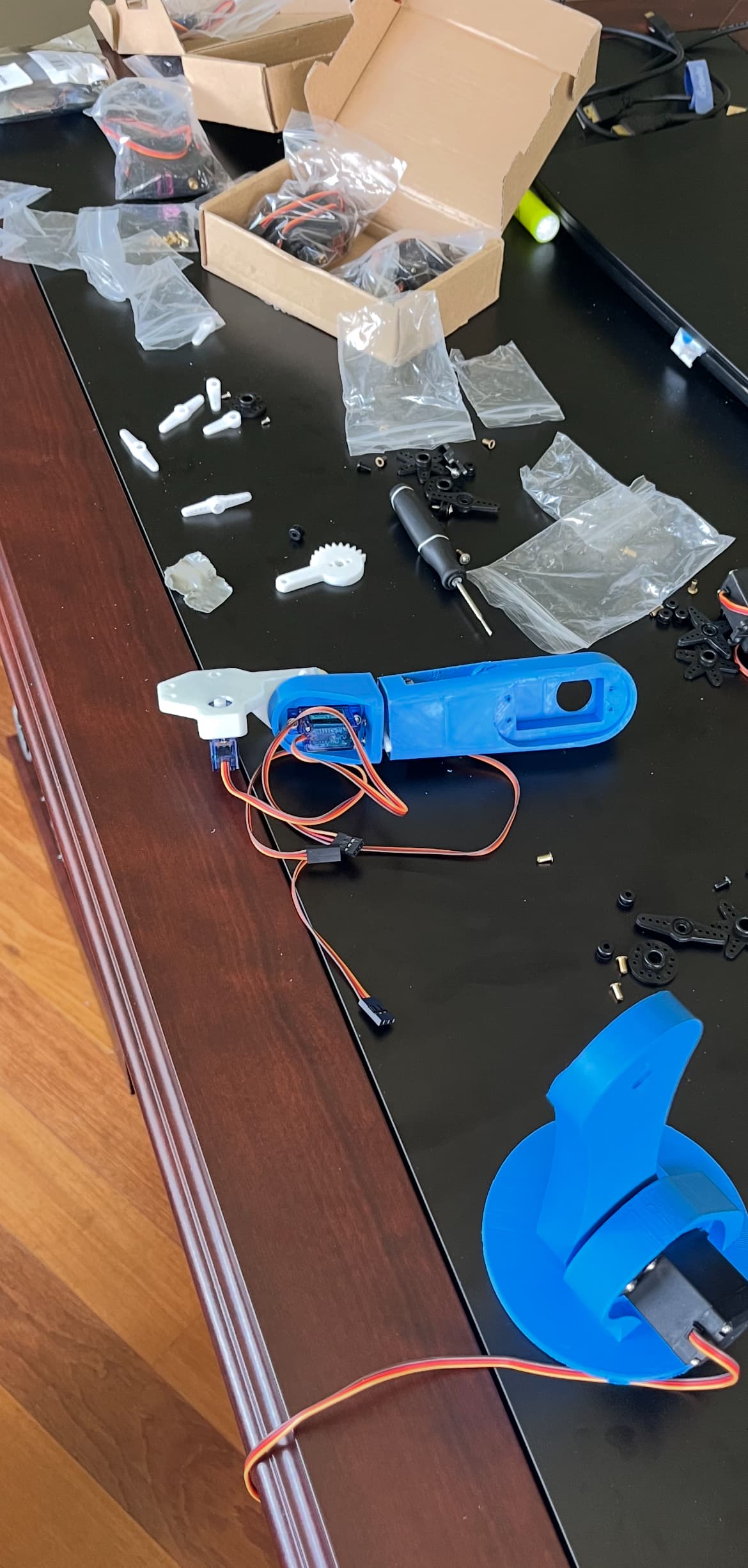
Robot Arm Pieces
Printing parts
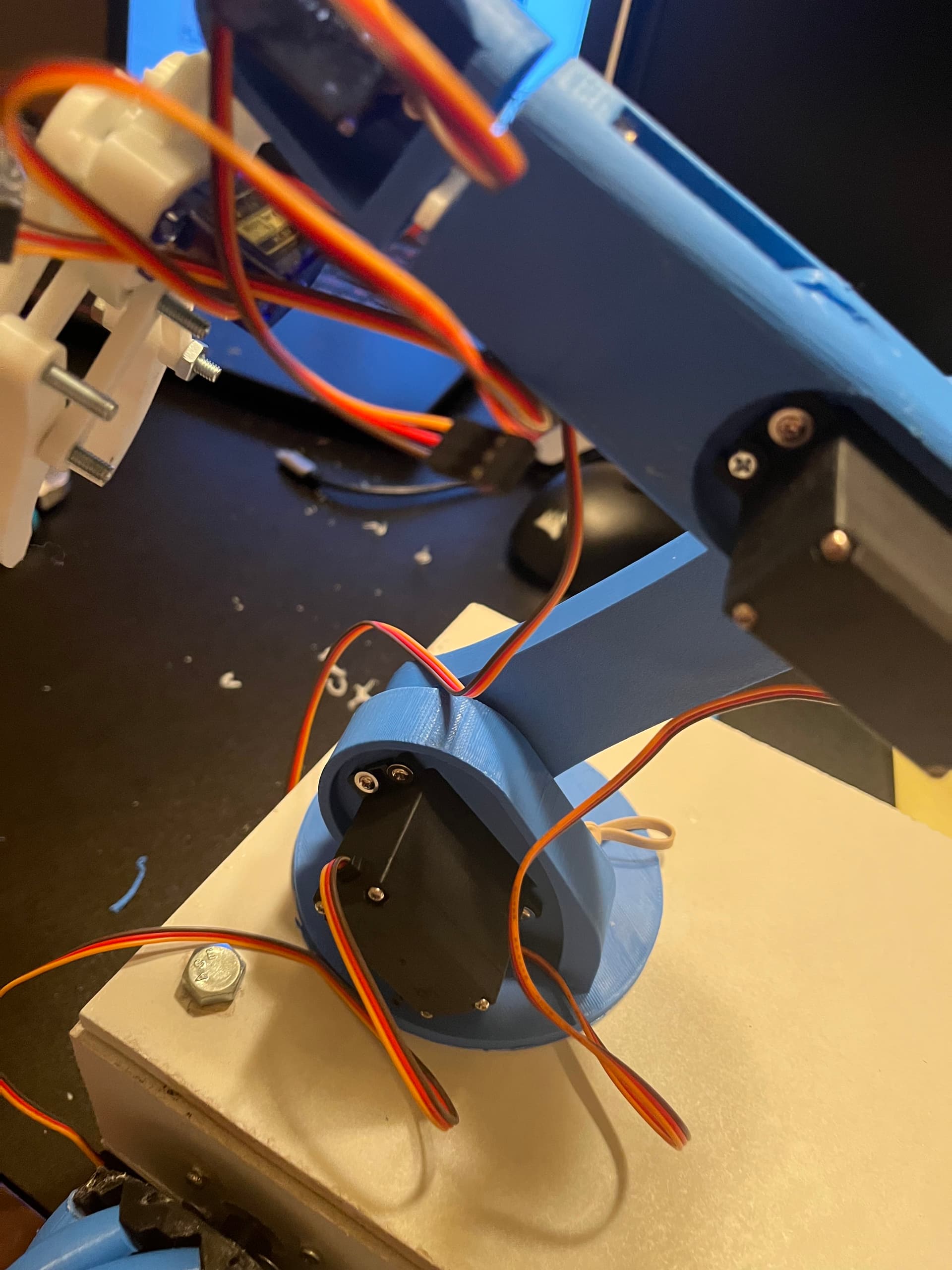
6-Axis Robot Arm
Putting together the robot arm and attaching servos.
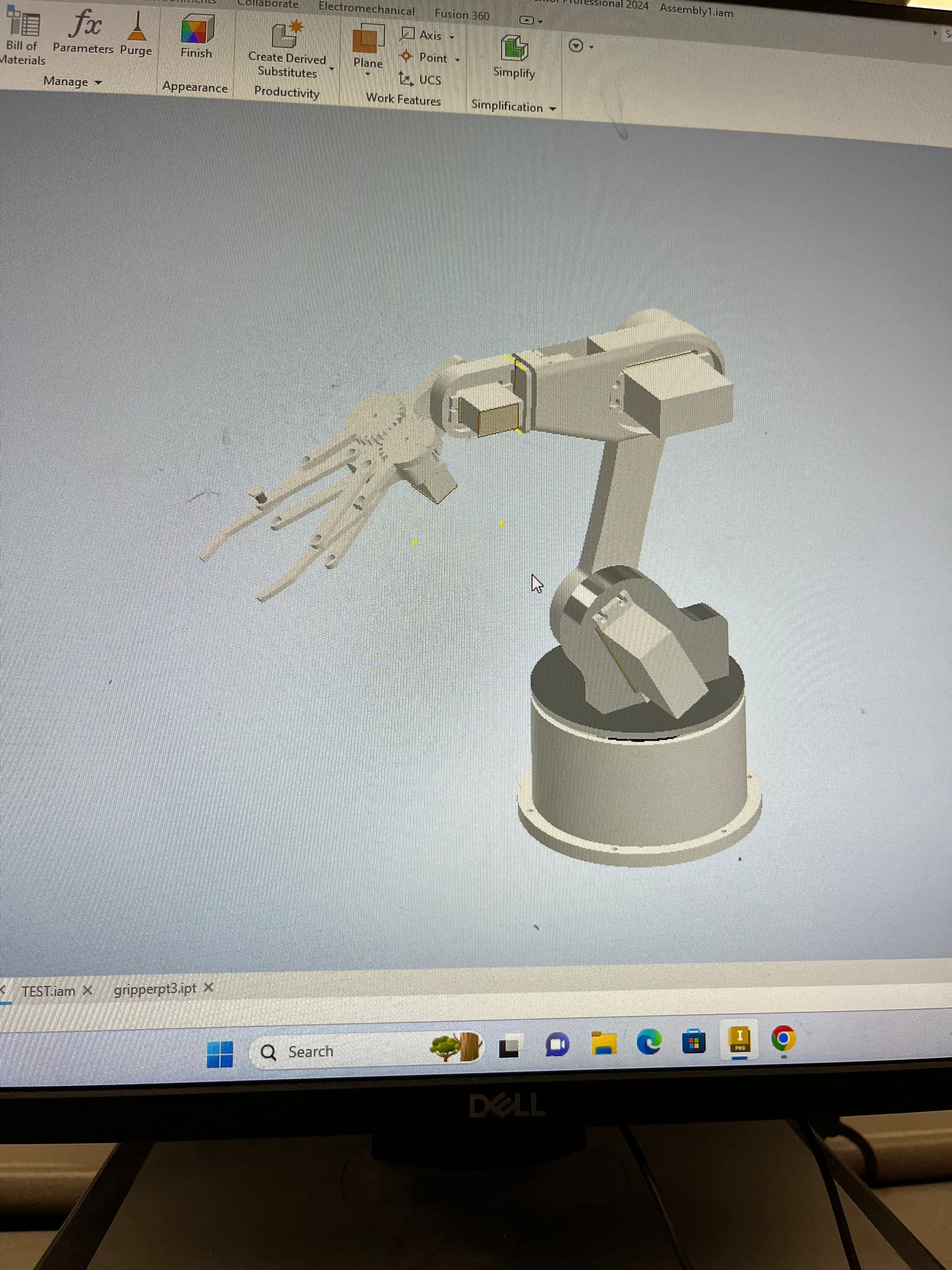
3D Model of 6-Axis Robot Arm
Built Using Inventor Software
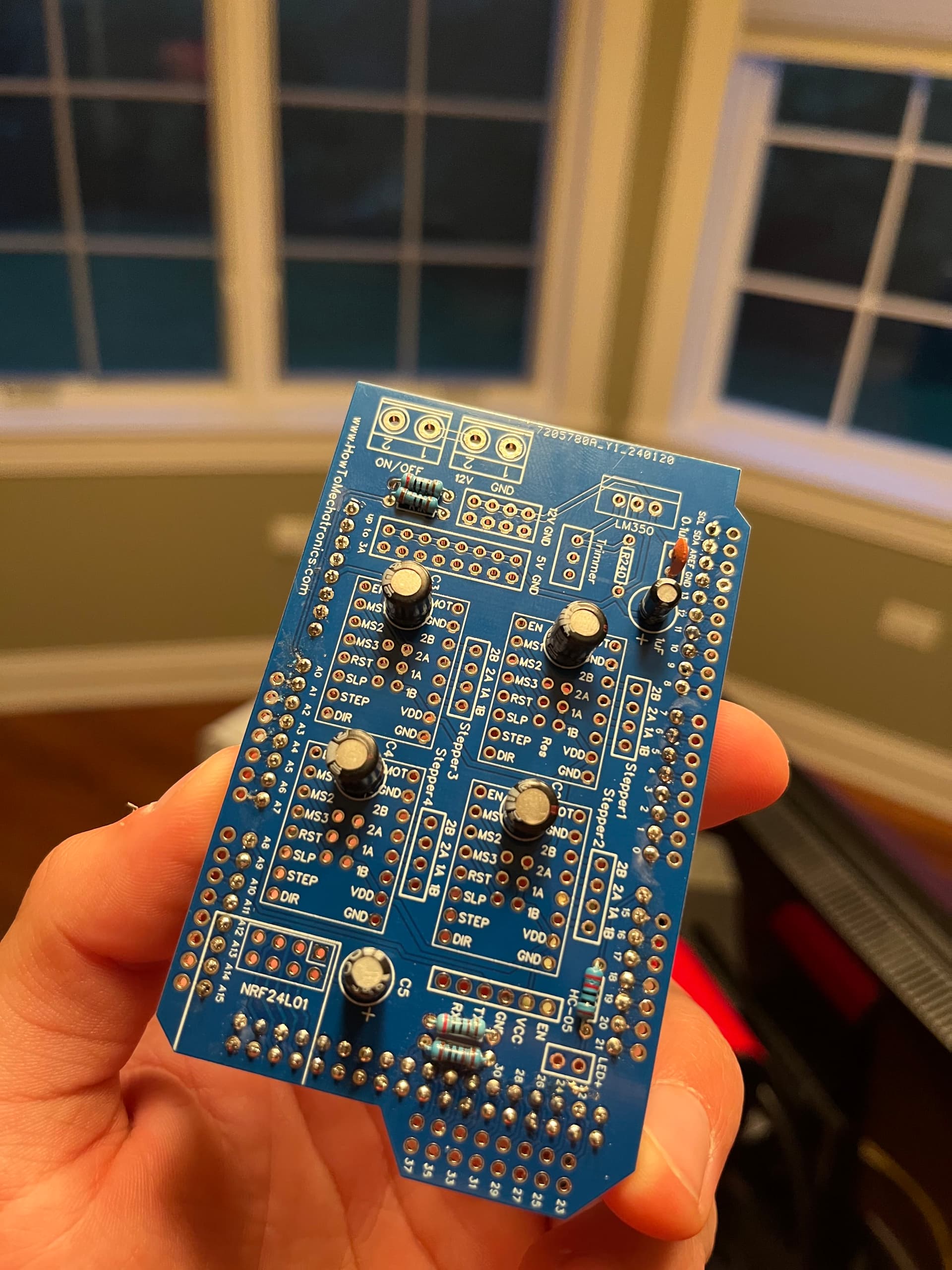
Starting with Plane PCB Board
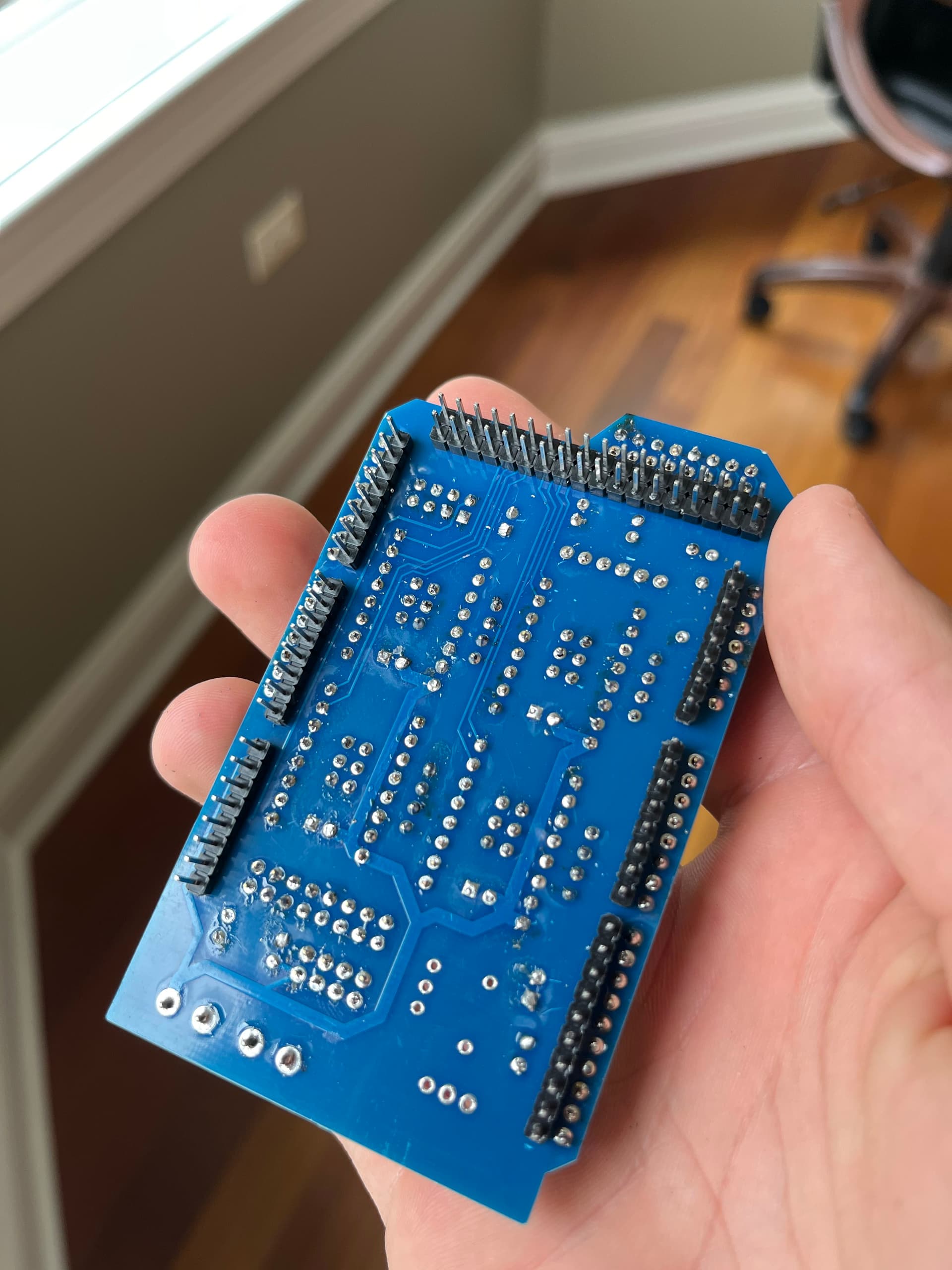
Soldering Basic Electronic Components
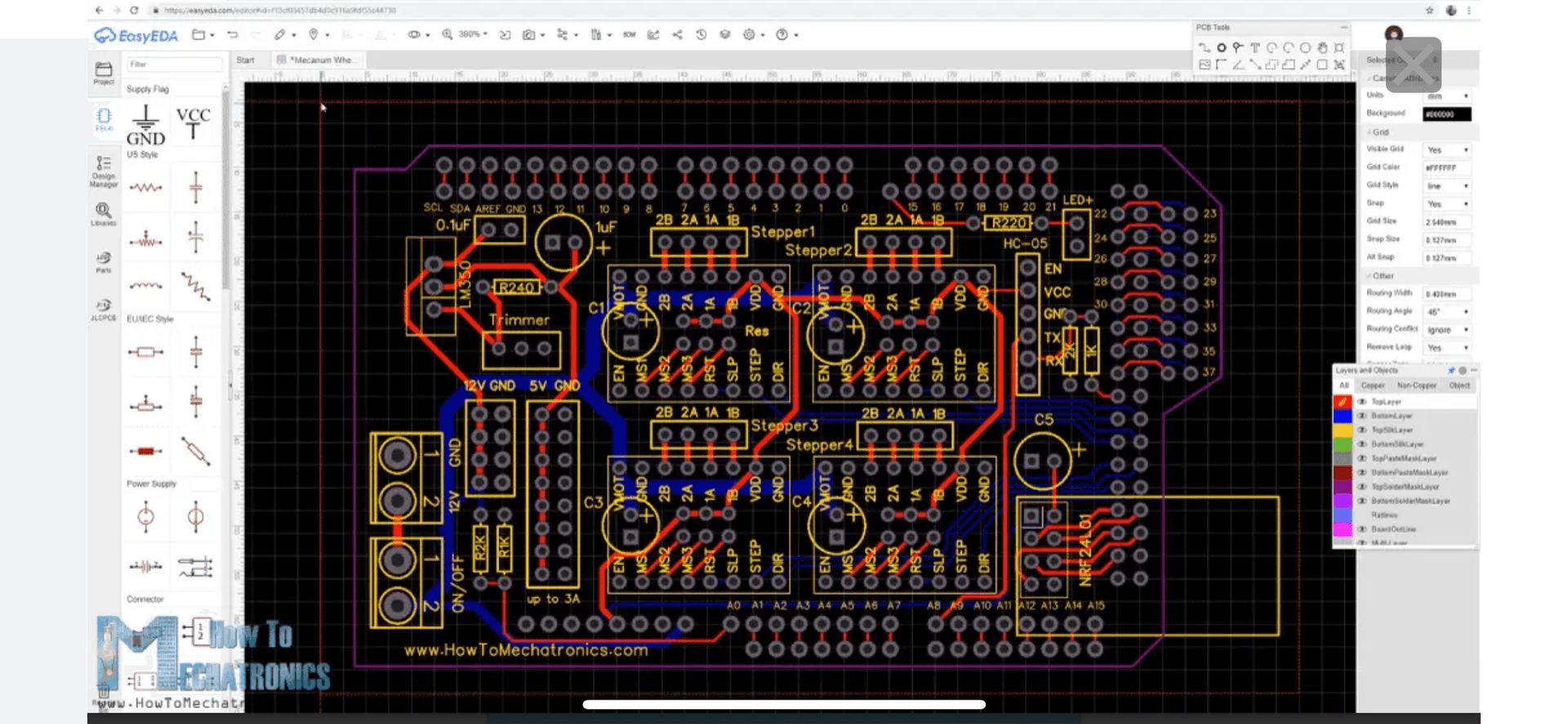
PCB Board Circuit Diagram
Learn more at How to Mechatronics
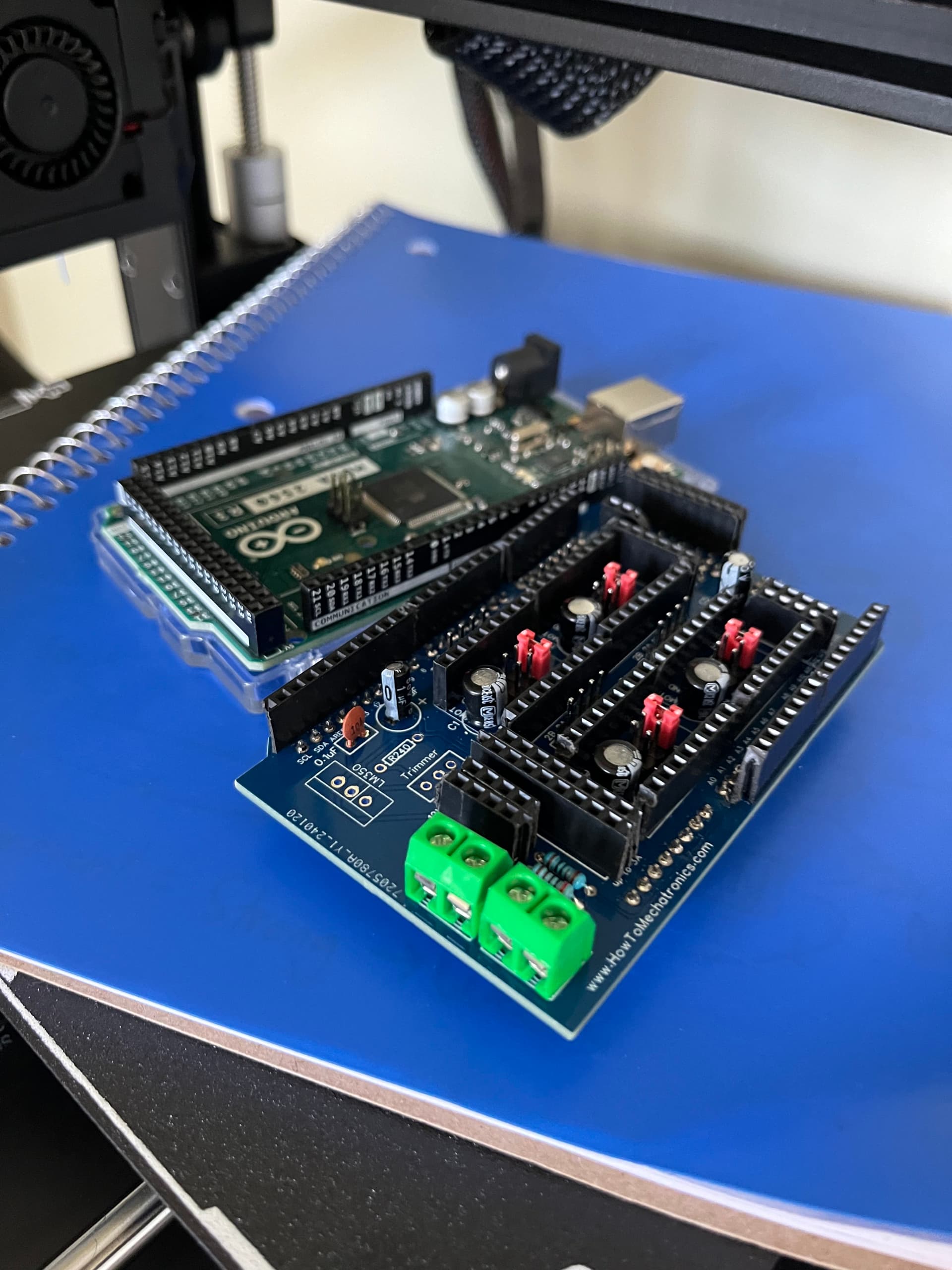
Arduino and PCB Board Base
Getting ready to install micro-stepping drivers
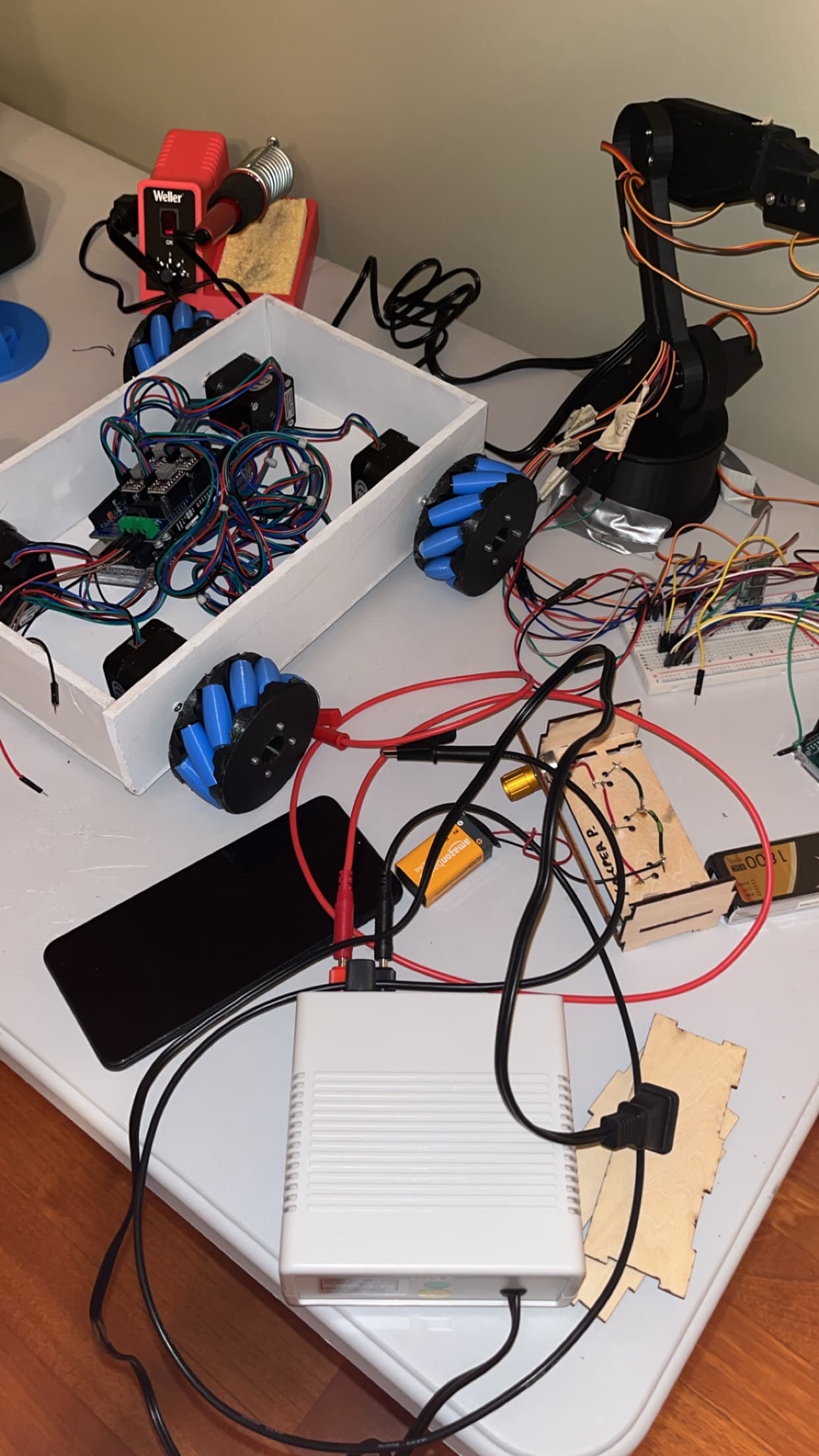
Connecting All Components Together
Connecting stepper motors to micro-stepping drivers
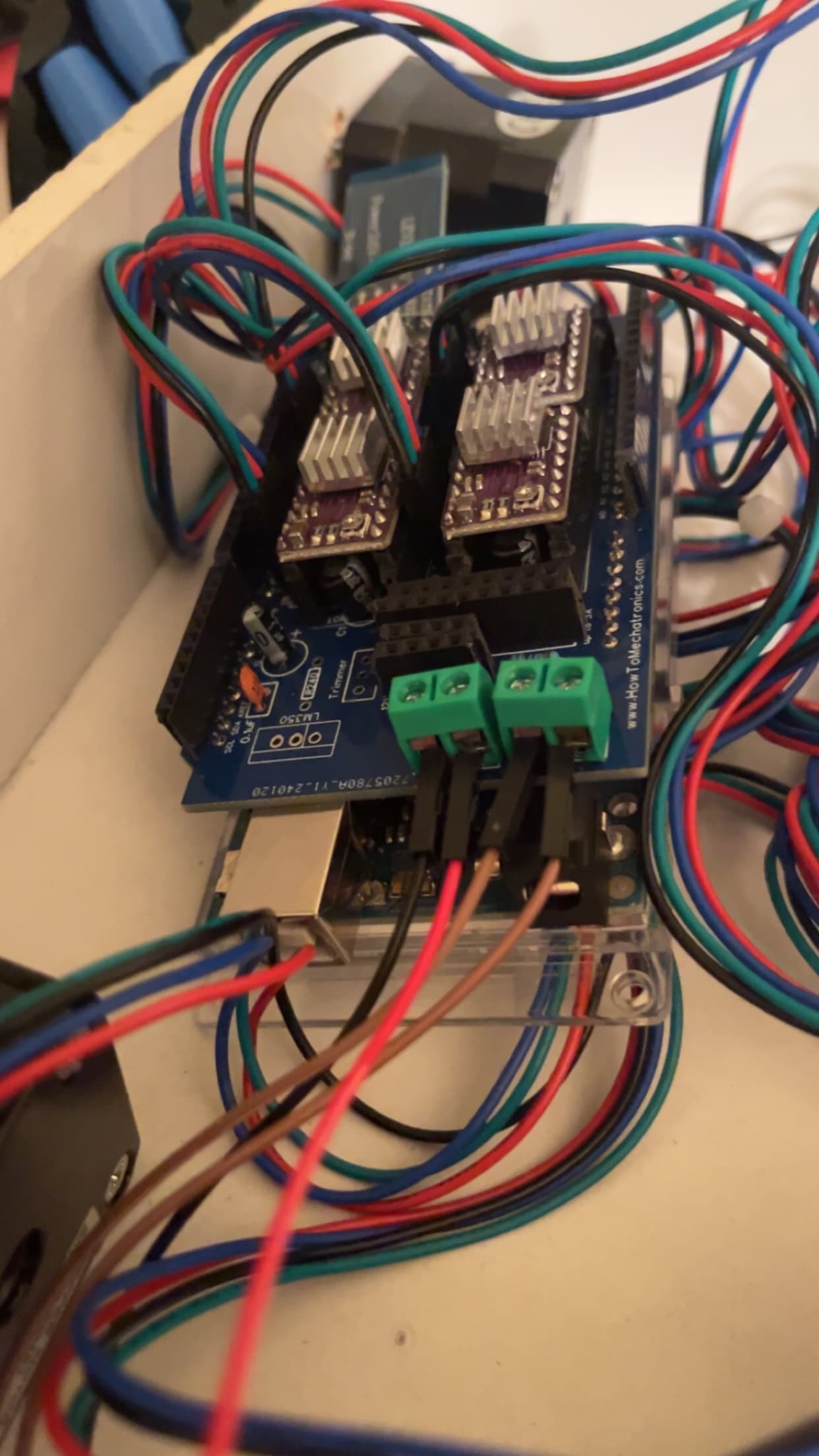
Successfully Connected
⚙️ Mechanical & Electrical Design
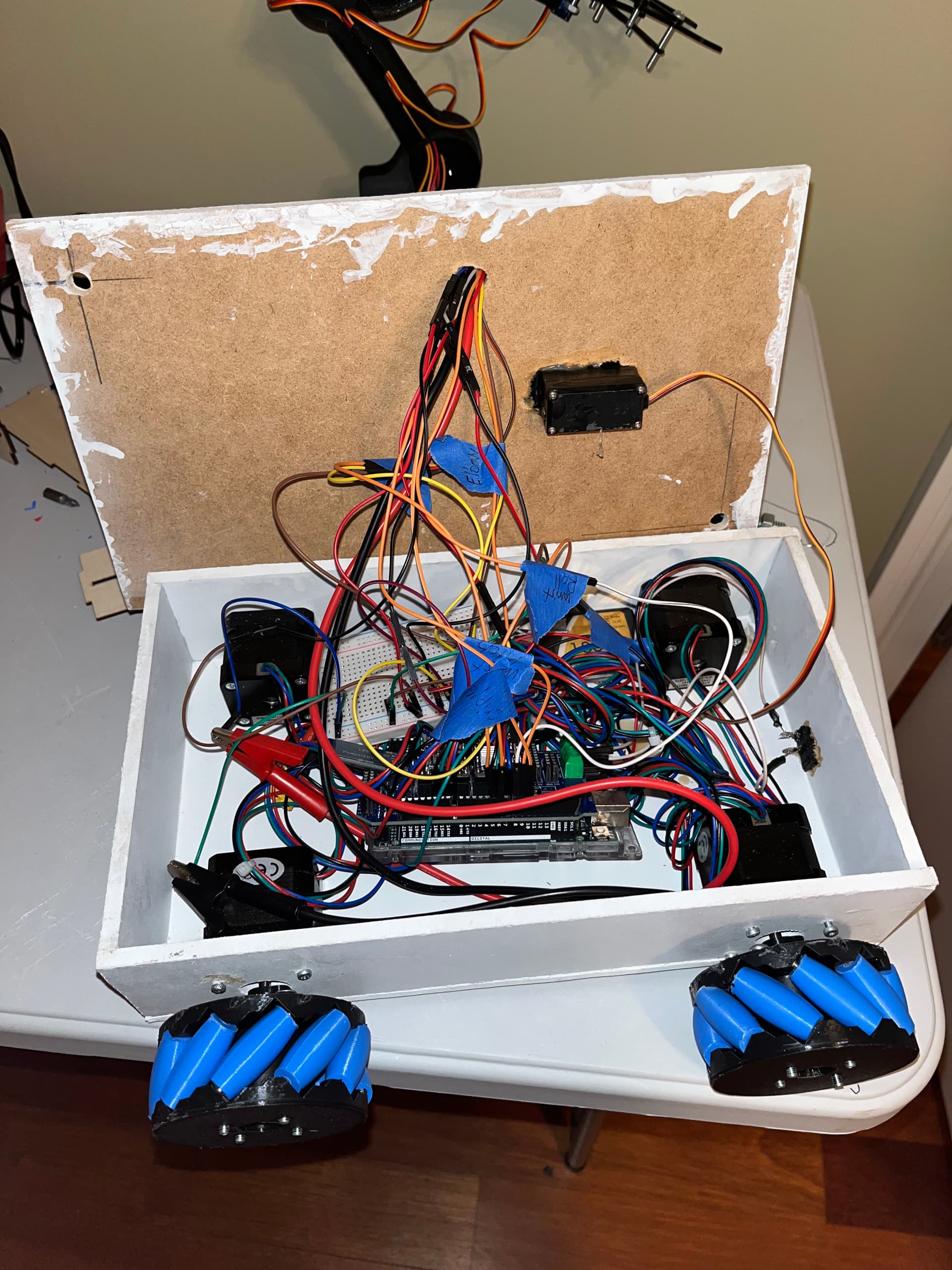
The robot arm features six degrees of freedom, each powered by a high-torque servo motor for precise and stable movement. All mechanical components—including the chassis, joints, and gear assemblies—were designed using Autodesk Inventor, allowing for accurate placement of linkages and smooth motion across all axes. The electrical system integrates a range of components, including microstepping motor drivers, HC-05 Bluetooth modules, an Arduino Uno, and—on the second version of the project—a custom-designed PCB developed by How To Mechatronics. These components allowed for wireless control, stable power distribution, and clean circuit architecture. Above, you'll find an in-depth visual breakdown of both projects, showcasing each phase—from mechanical design to PCB soldering and testing. If you're interested in replicating the electrical wiring or app interface, I highly recommend visiting How To Mechatronics for their detailed diagrams and expert tutorials.
📱 6-Axis Arm Control
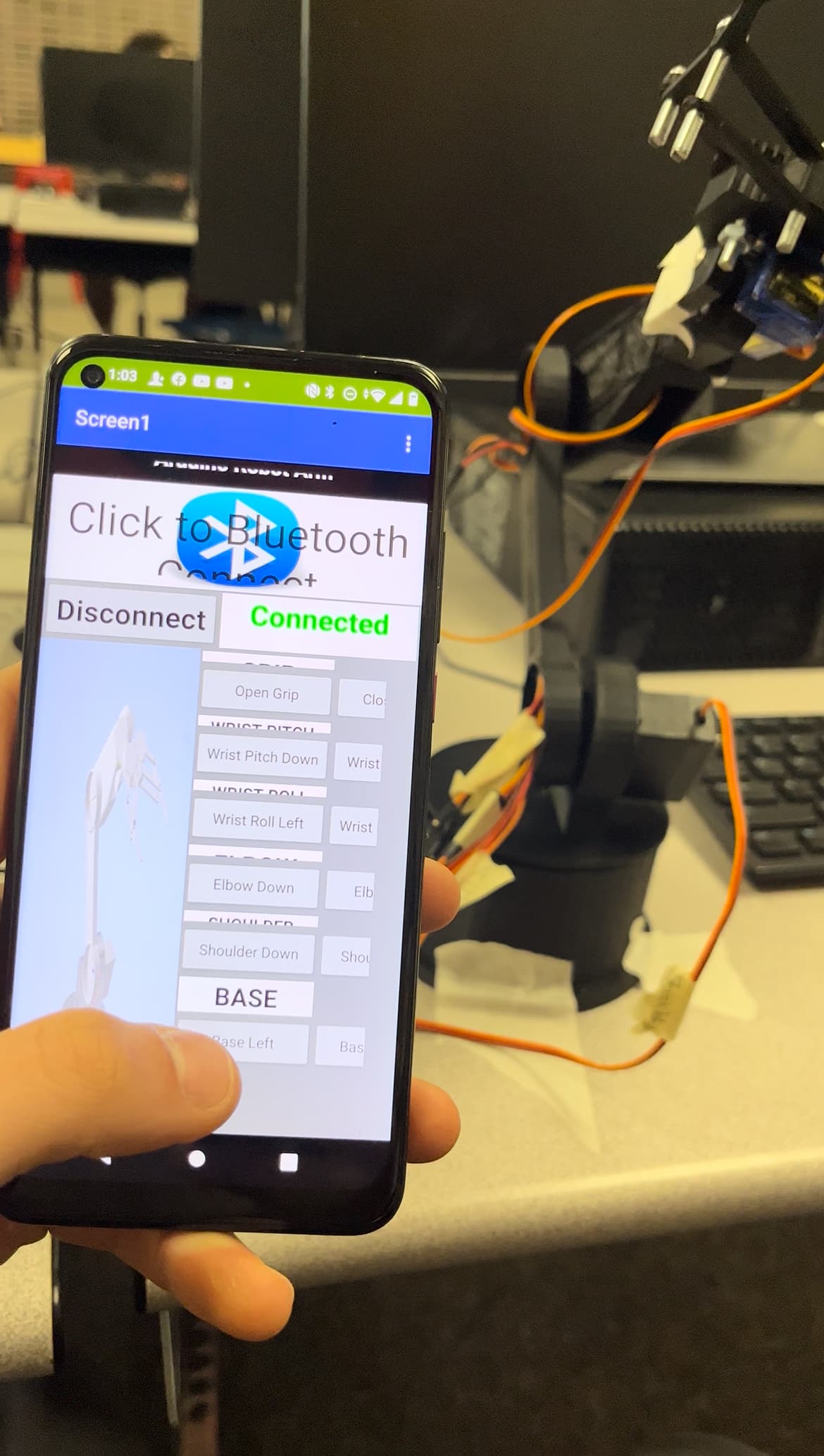
Each axis of the robotic arm is independently controlled, enabling complex articulation and precise end-effector positioning. Commands are transmitted from a custom-built app—developed using MIT App Inventor—via serial communication to an HC-05 Bluetooth module, with real-time responsiveness built into the control loop. The app interface is designed for simplicity and flexibility. It includes features such as manual control of each joint and the ability to save specific positions, allowing the arm to return to preset configurations with the tap of a button. All underlying code and logic are based on the resources provided by How To Mechatronics, whose open-source examples served as a valuable foundation for this system.
🛞 Omni Wheel Base
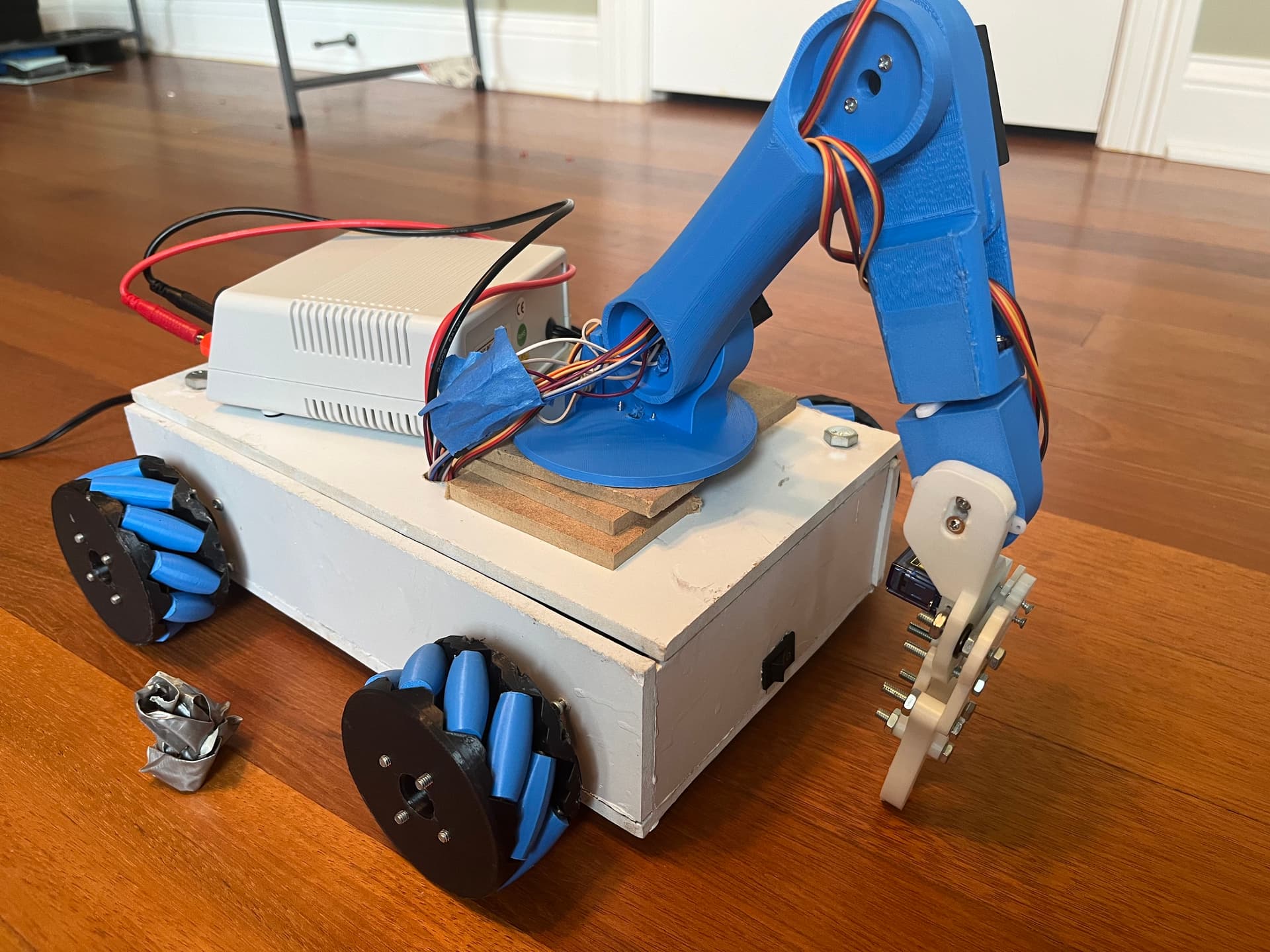
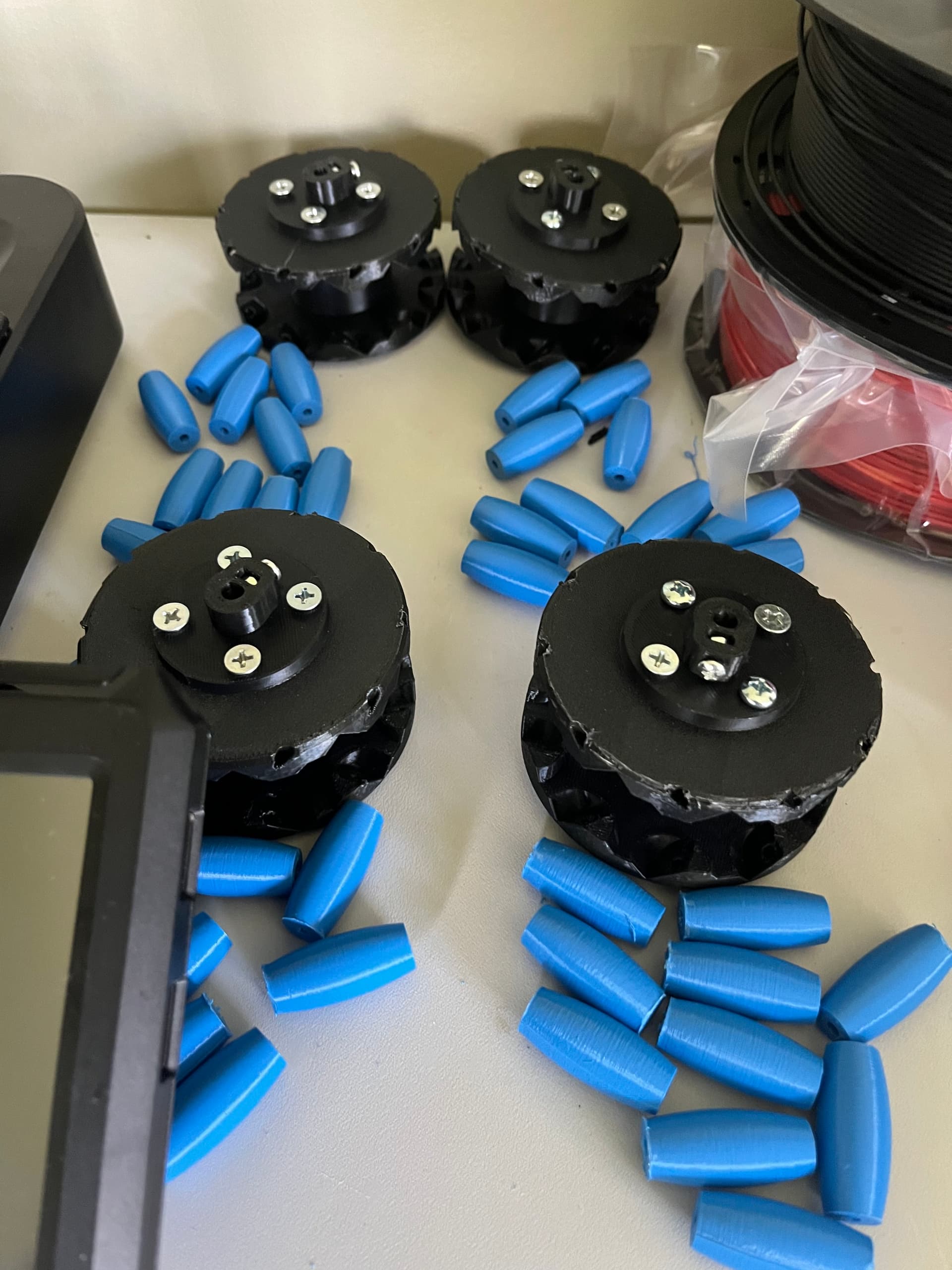
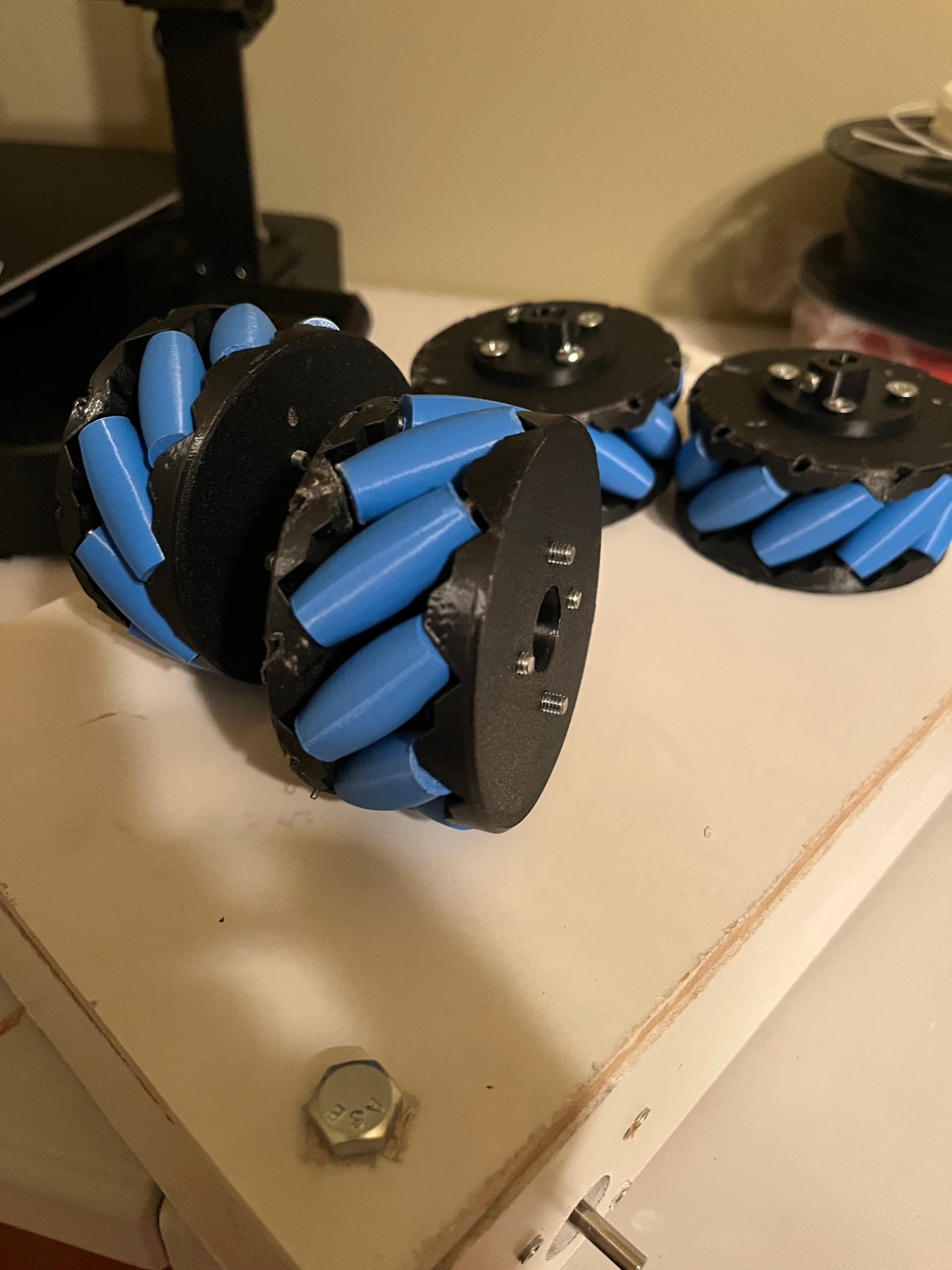
The mobile platform is equipped with omni-directional wheels, enabling the robot to move in any direction—including sideways—without rotating the chassis. This significantly improves efficiency and maneuverability, especially in tight or confined spaces. Each wheel is independently driven by a stepper motor, controlled via a microstepping driver for precise speed and directional control. Omni-wheels achieve this unique movement through their angled, free-spinning rollers, which are mounted around the circumference of each wheel. By coordinating the spin patterns of all four wheels through vector-based motion control, the robot can translate, strafe, or even rotate in place without pivoting the main body. To build the drive system, I 3D printed the omni-wheel components using files provided by How To Mechatronics, fabricated custom axles from thin metal rods, and used super glue to secure the assemblies and prevent dislodging during movement.
🏆 Challenges
Throughout development, I encountered several technical challenges—including inconsistent servo responses, unstable power distribution, and joint calibration issues. One of the most significant problems involved the microstepping motor drivers. Excessive current caused them to overheat, resulting in erratic behavior and unusual noises. After isolating different parts of the system, I identified the current draw as the root cause. The solution involved carefully tuning the current limit using the adjustment screw on the driver—an essential but easily overlooked detail. Resolving this issue not only stabilized the motor performance but also deepened my understanding of embedded systems and mechanical-electrical integration.
🌱 Reflection
This project significantly strengthened my skills in electronics, CAD design, and robotic systems integration. It taught me how to break down complex challenges into manageable stages and how to coordinate communication between hardware and software components. Most importantly, this was the project that sparked my passion for electrical engineering. Seeing something I built come to life—moving and responding to commands—was a transformative experience. In the past, my projects were static, but this was the first time I created something capable of action and interaction. I’m excited to continue building more intelligent, responsive robotic systems in the future and to keep expanding on everything I’ve learned through this process.