Ben Eater's 6502 Computer
🖥️ Project Overview
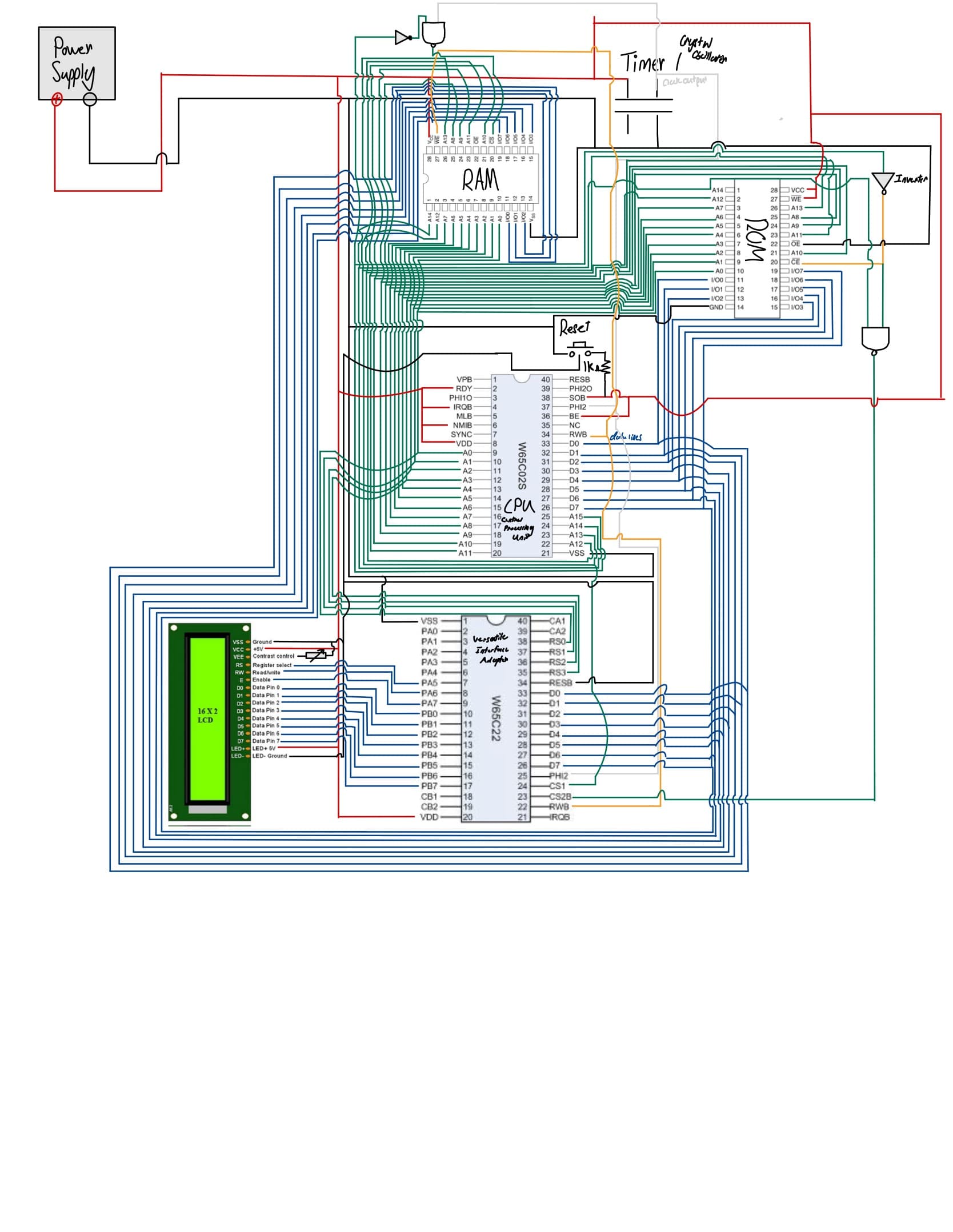
This project is a hands-on exploration of computer architecture, starting with the 6502 microprocessor. It covers everything from basic circuits to advanced programming techniques. The goal is to build a fully functional computer that can run simple programs, providing a deep understanding of how computers work at a fundamental level.
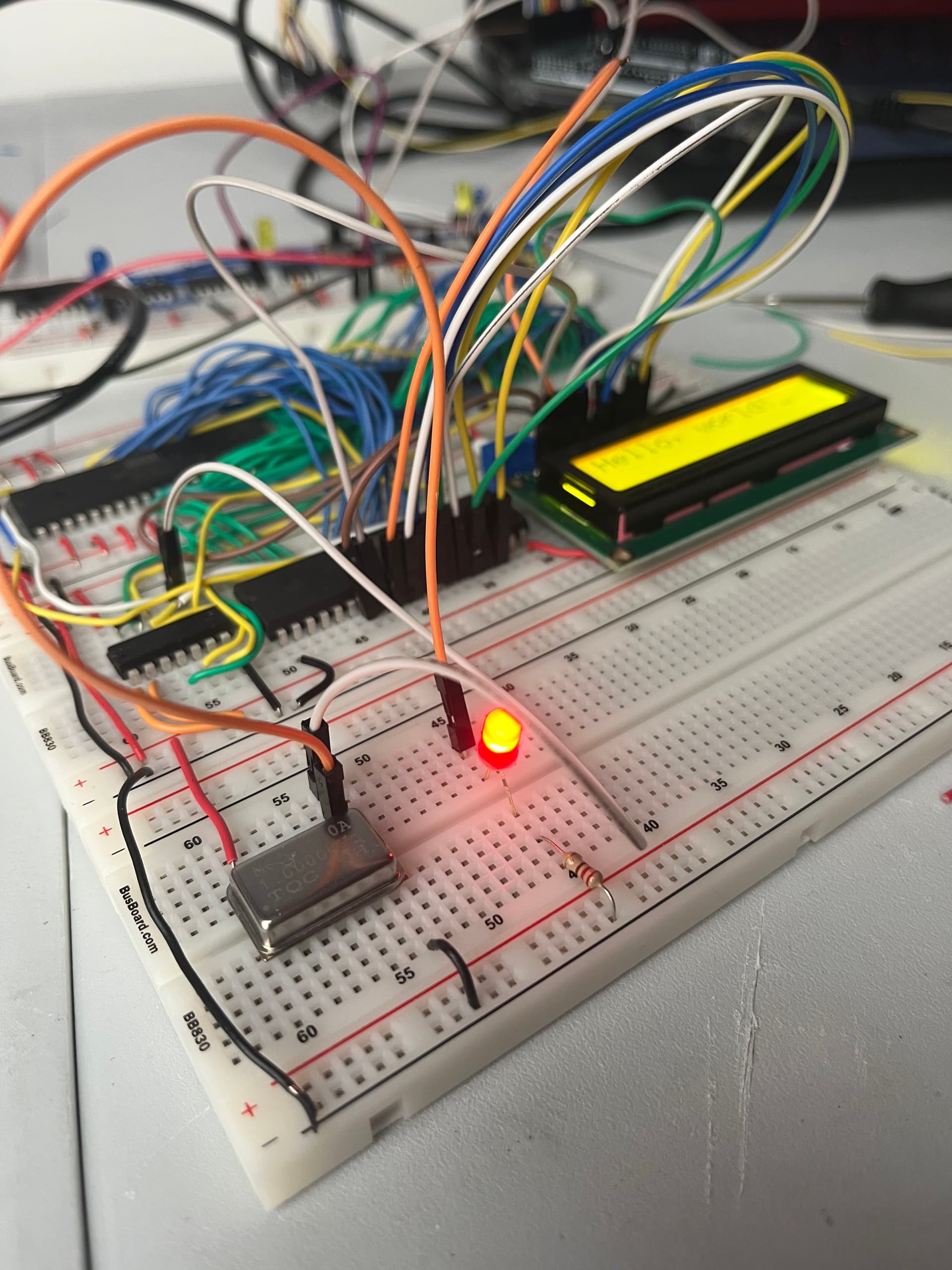
1 Mega Hertz Clock
This clock generates a 1 MHz signal used to synchronize the CPU and other components. It’s essential for timing operations and ensuring that data is processed correctly at the right intervals.
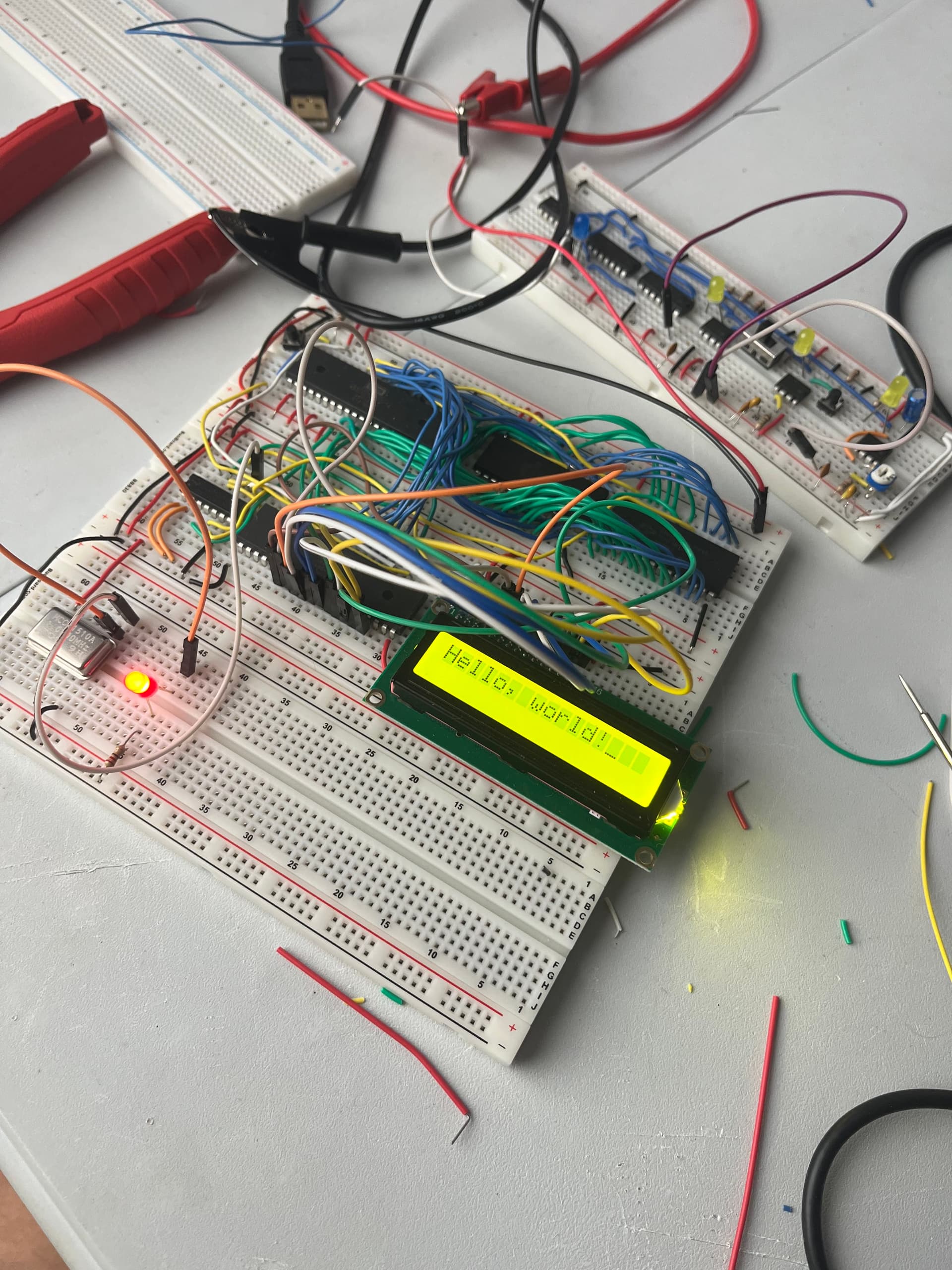
Fully Working Hello-World Program
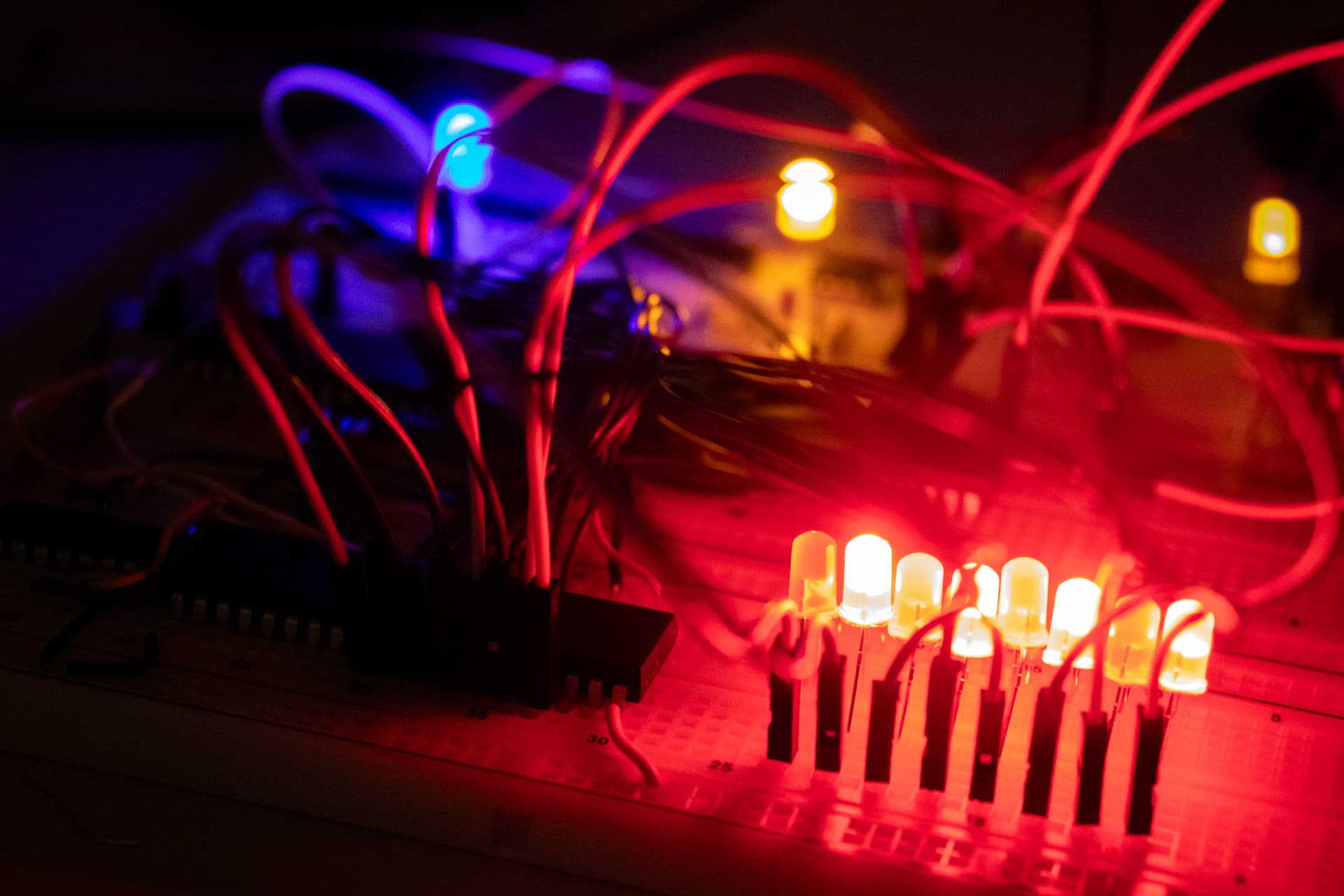
Programming computer to flip LEDS from hex 55 to AA
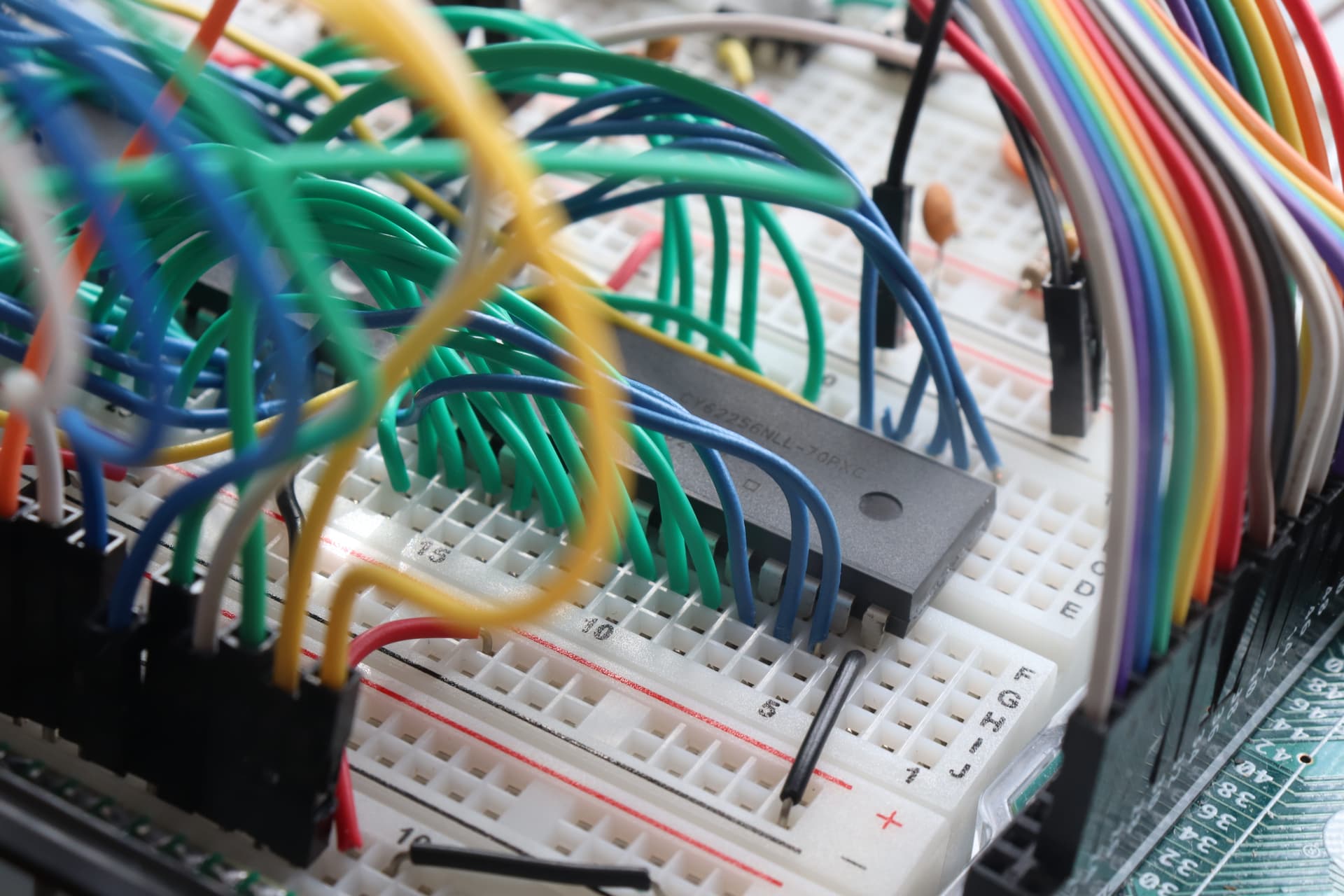
The ROM Chip
This chip contains the firmware and is essential for booting the computer. It stores the program that the CPU executes when powered on, allowing it to perform basic operations and run software.
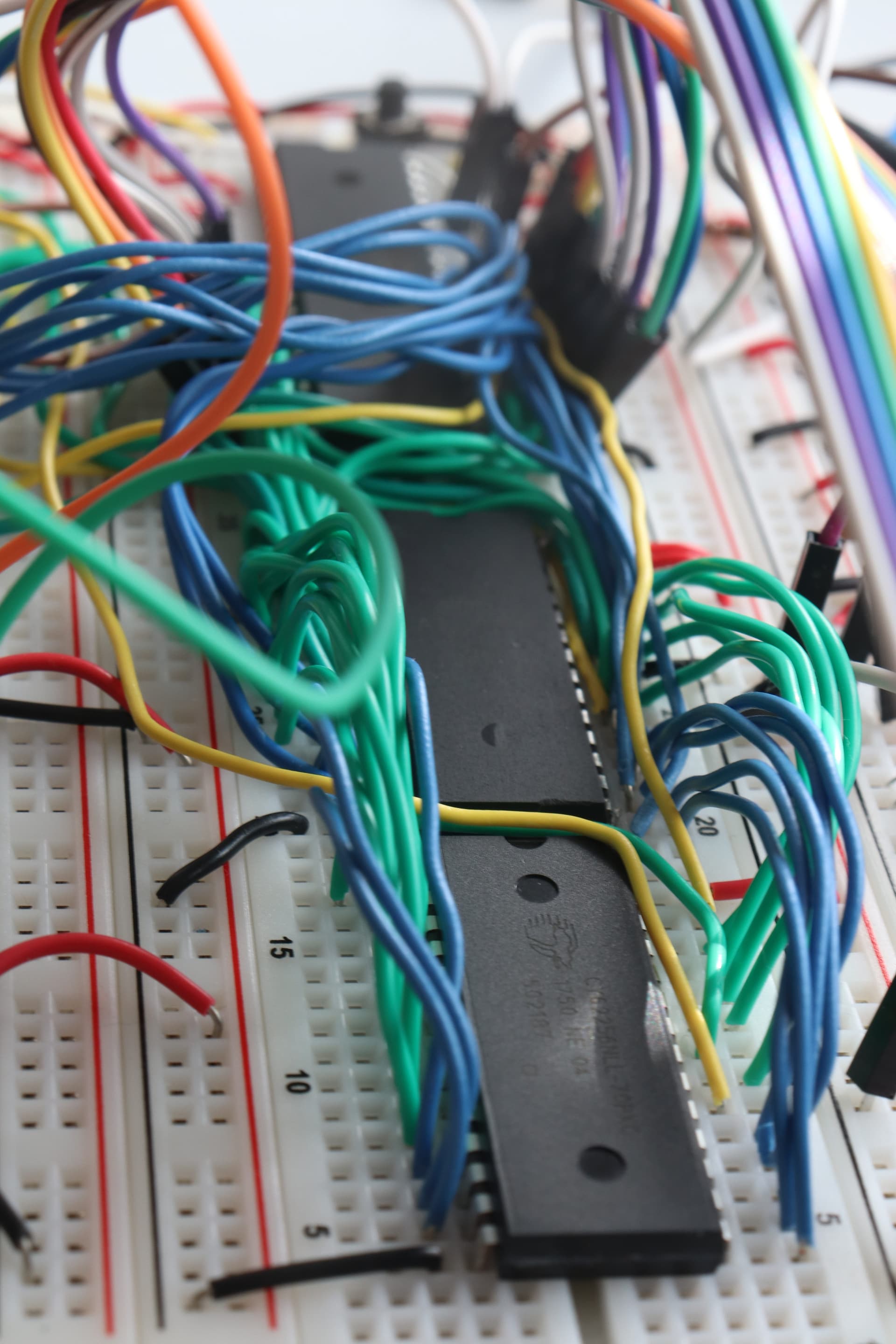
The ROM and RAM Chips
The ROM chip stores the program instructions, while the RAM chip holds temporary data during execution. Together, they enable the CPU to run programs and manage memory effectively.
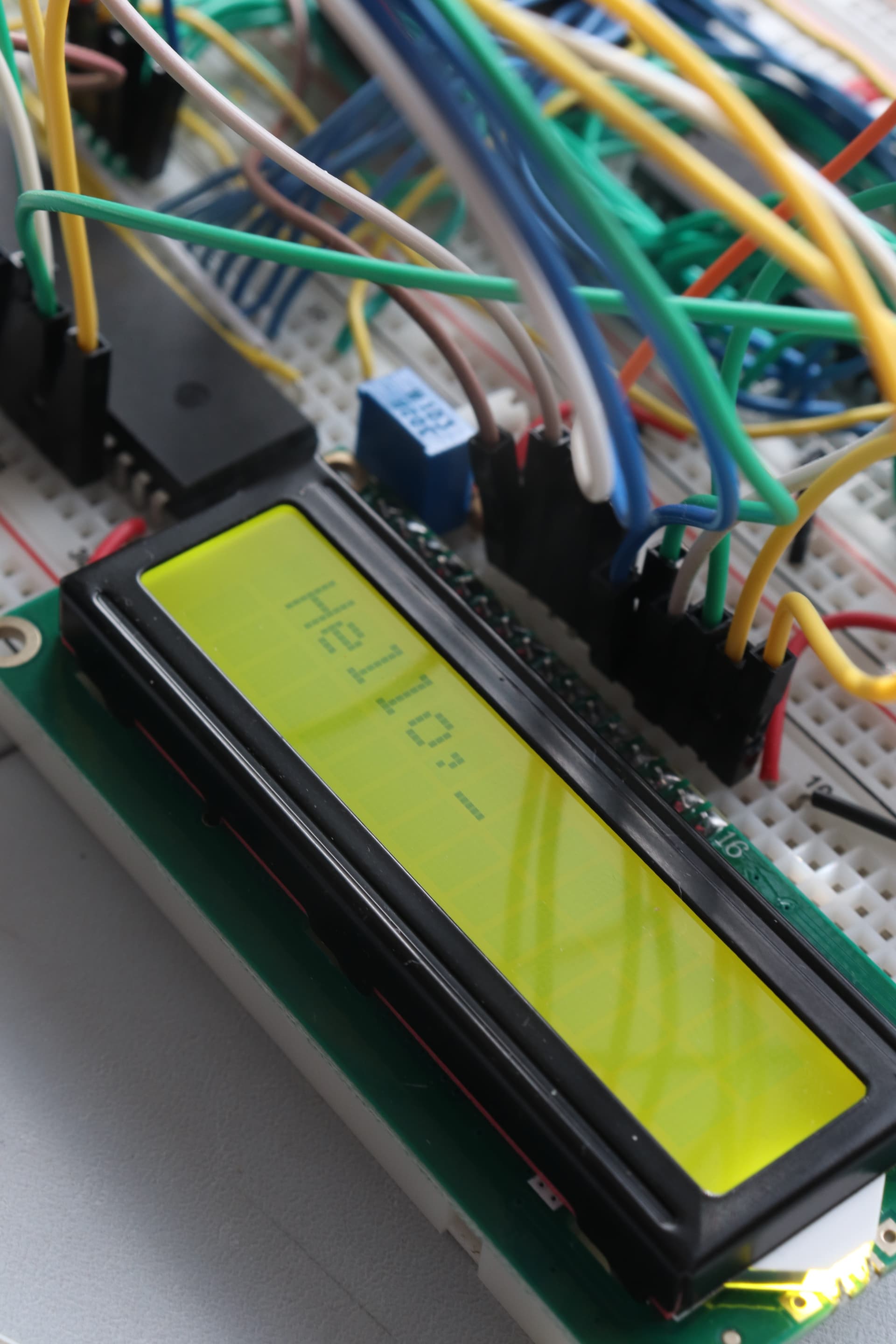
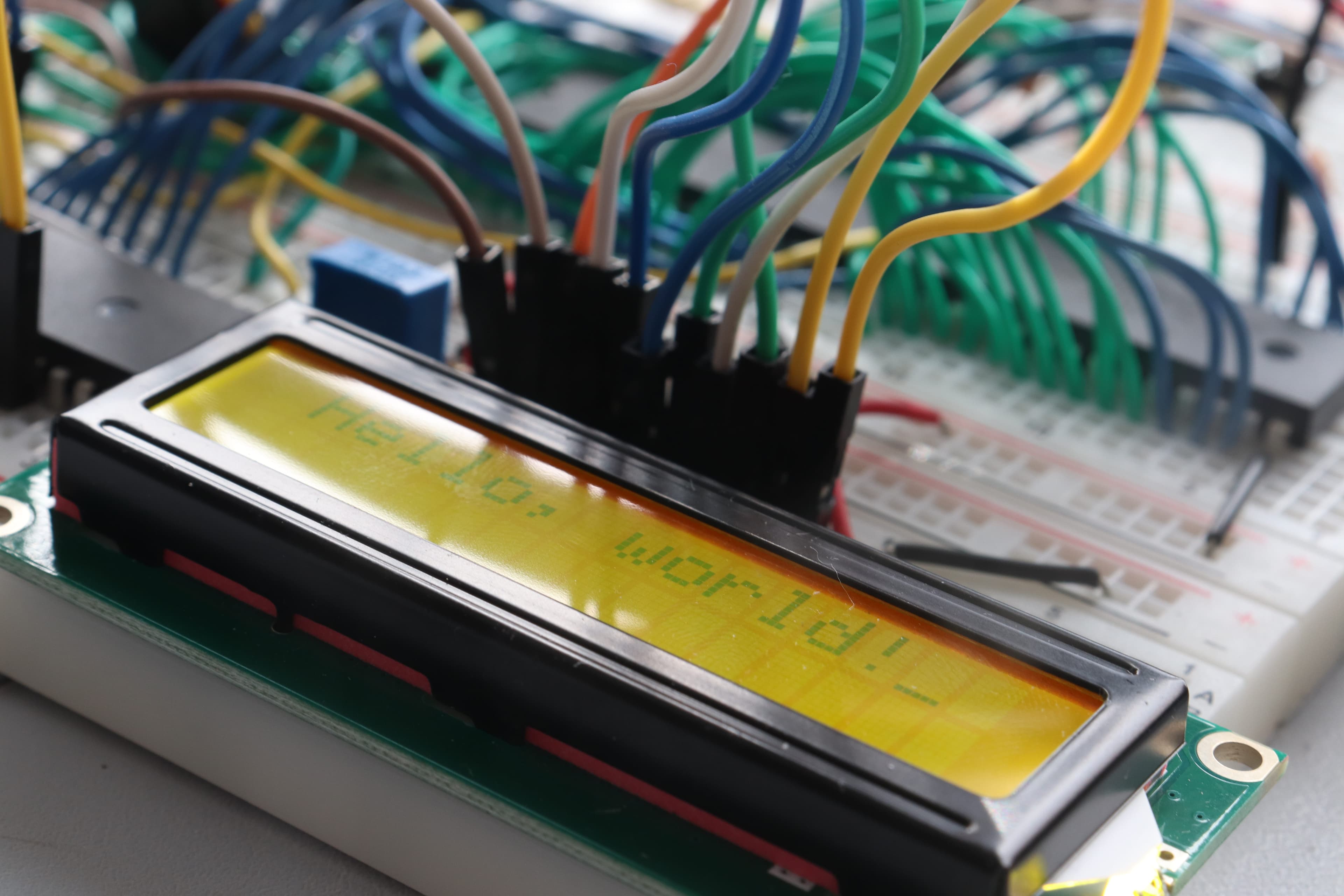
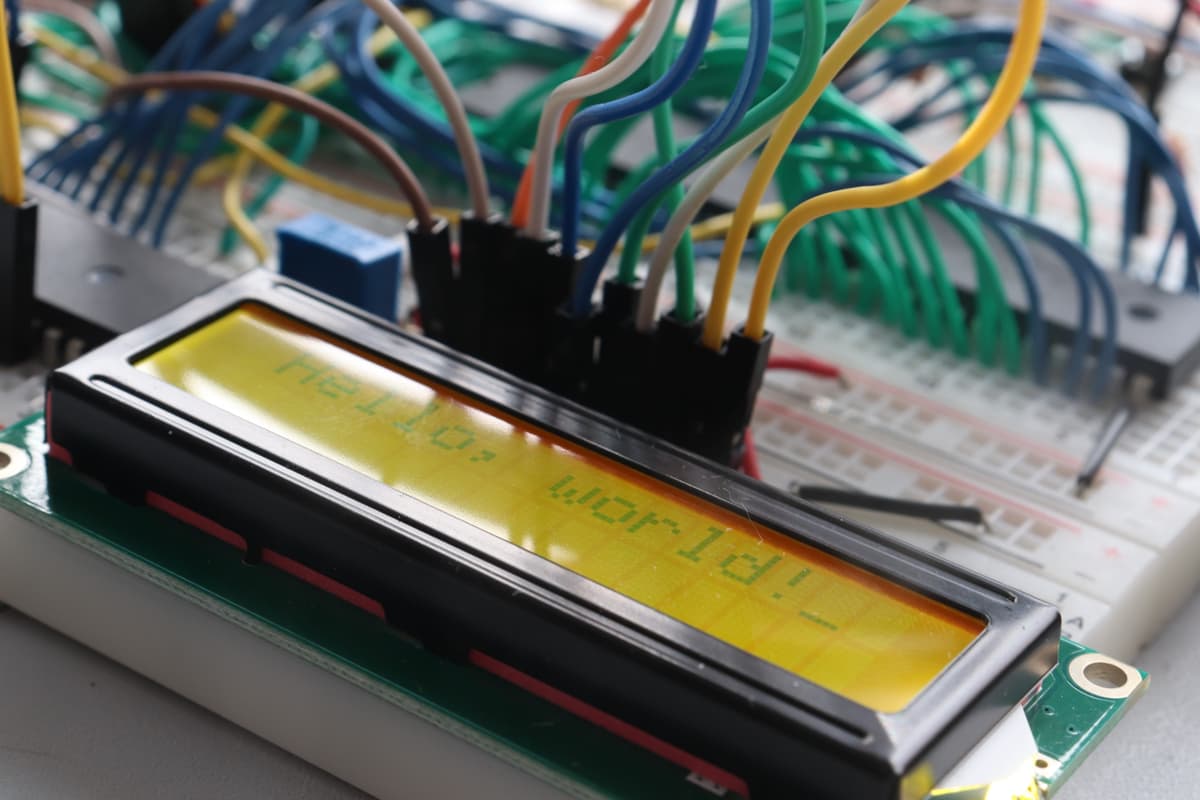
LCD Display Printing Hello World
This LCD display is connected to the VIA chip, which sends control signals to display characters. The CPU sends instructions to the VIA, which then communicates with the LCD.
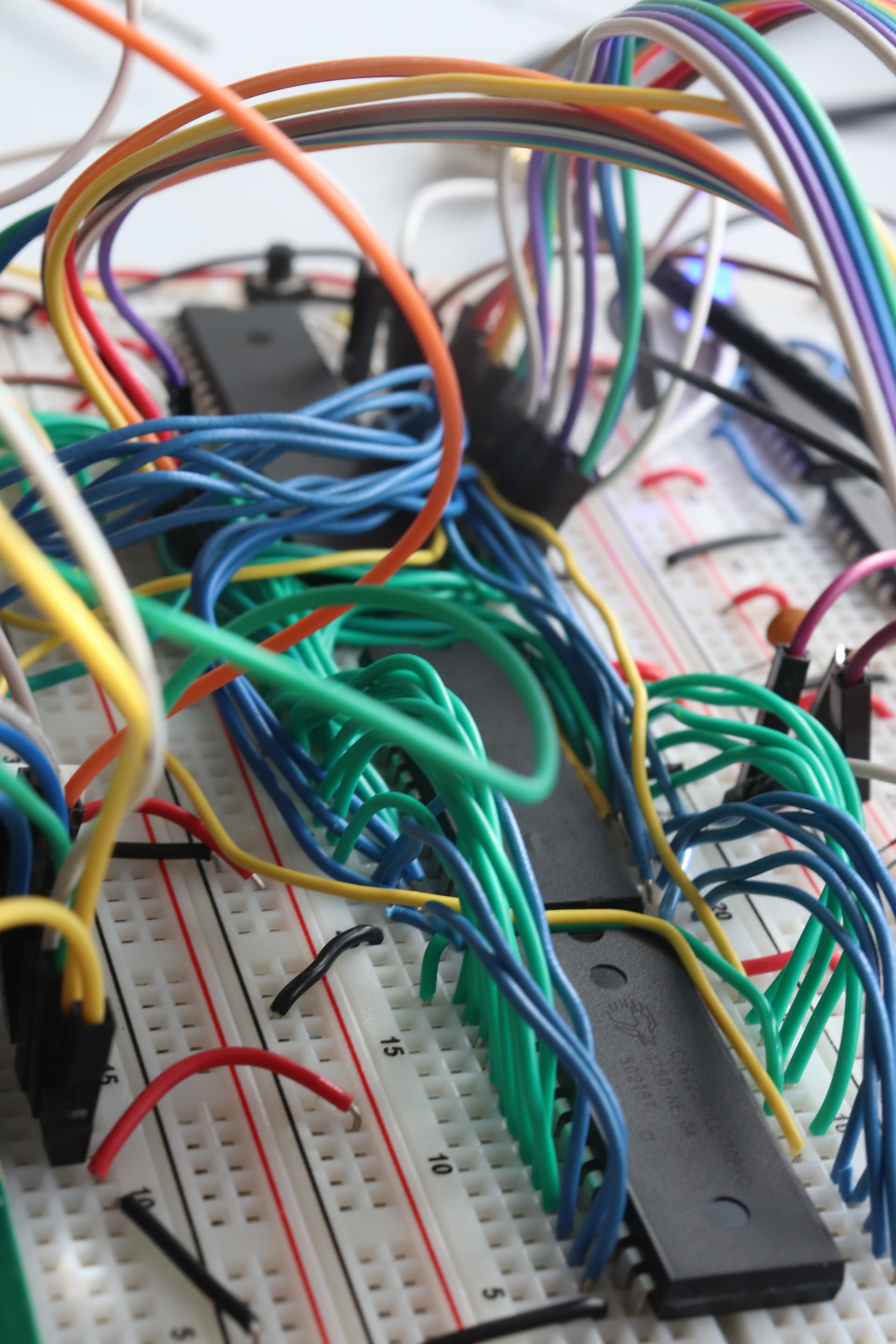
A lot of Wires
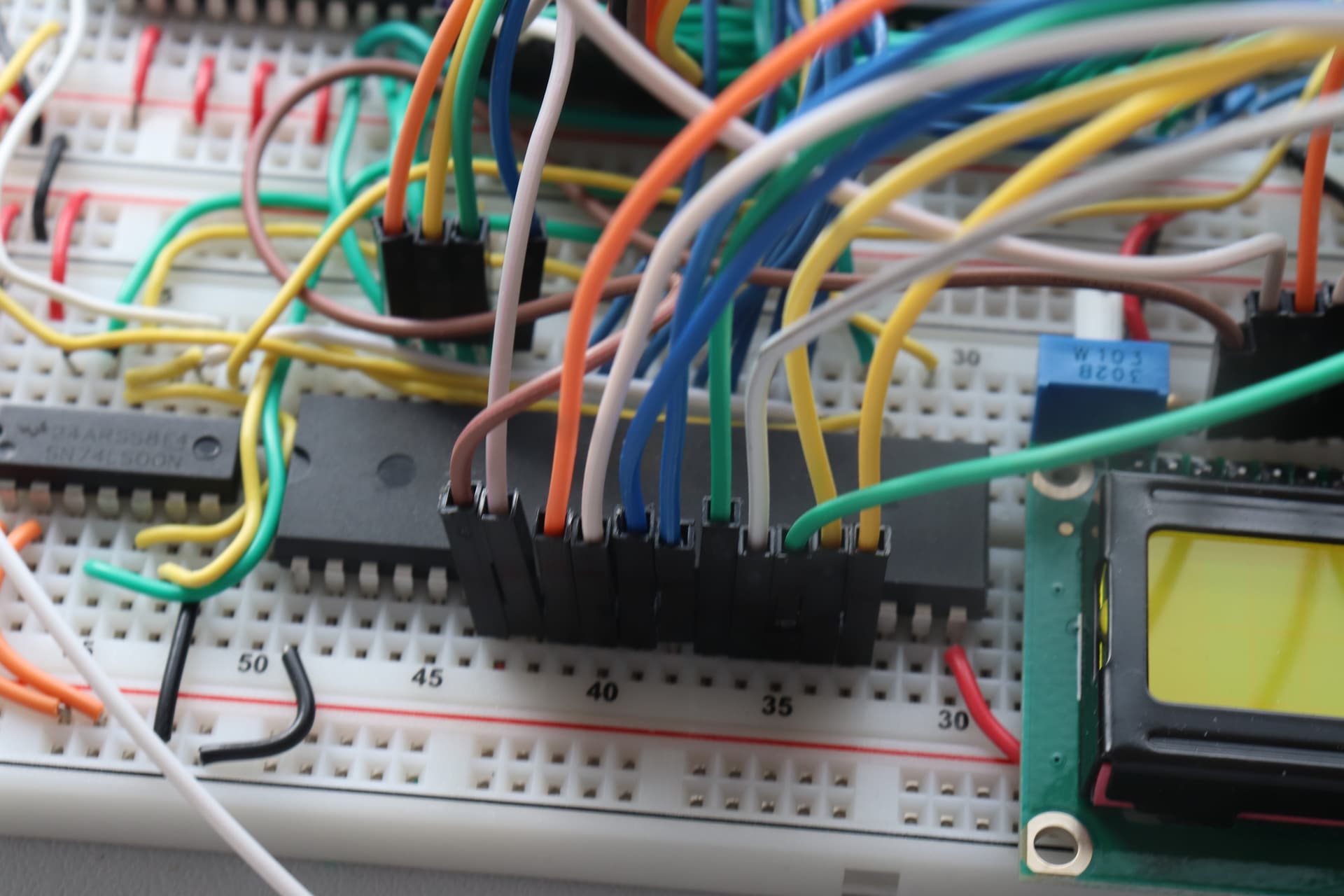
The VIA Chip (Versatile Interface Adapter)
This chip allows the CPU to communicate with peripherals like buttons, LEDs, and displays by storing a sequence of bits.
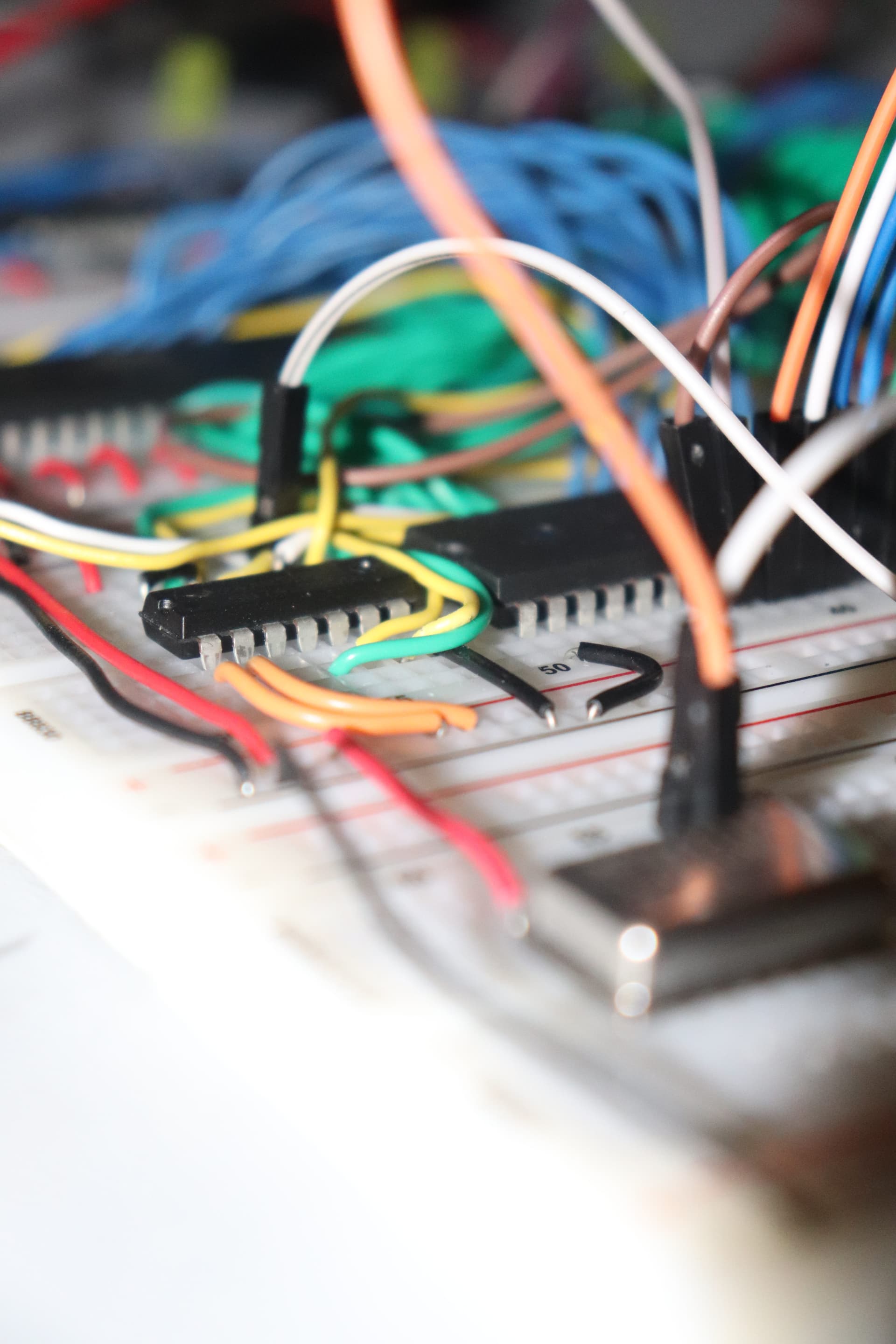
The NAND Gate
This logic gate is a fundamental building block in digital circuits, used for creating more complex operations inside the computer.
🕔 Clock Module
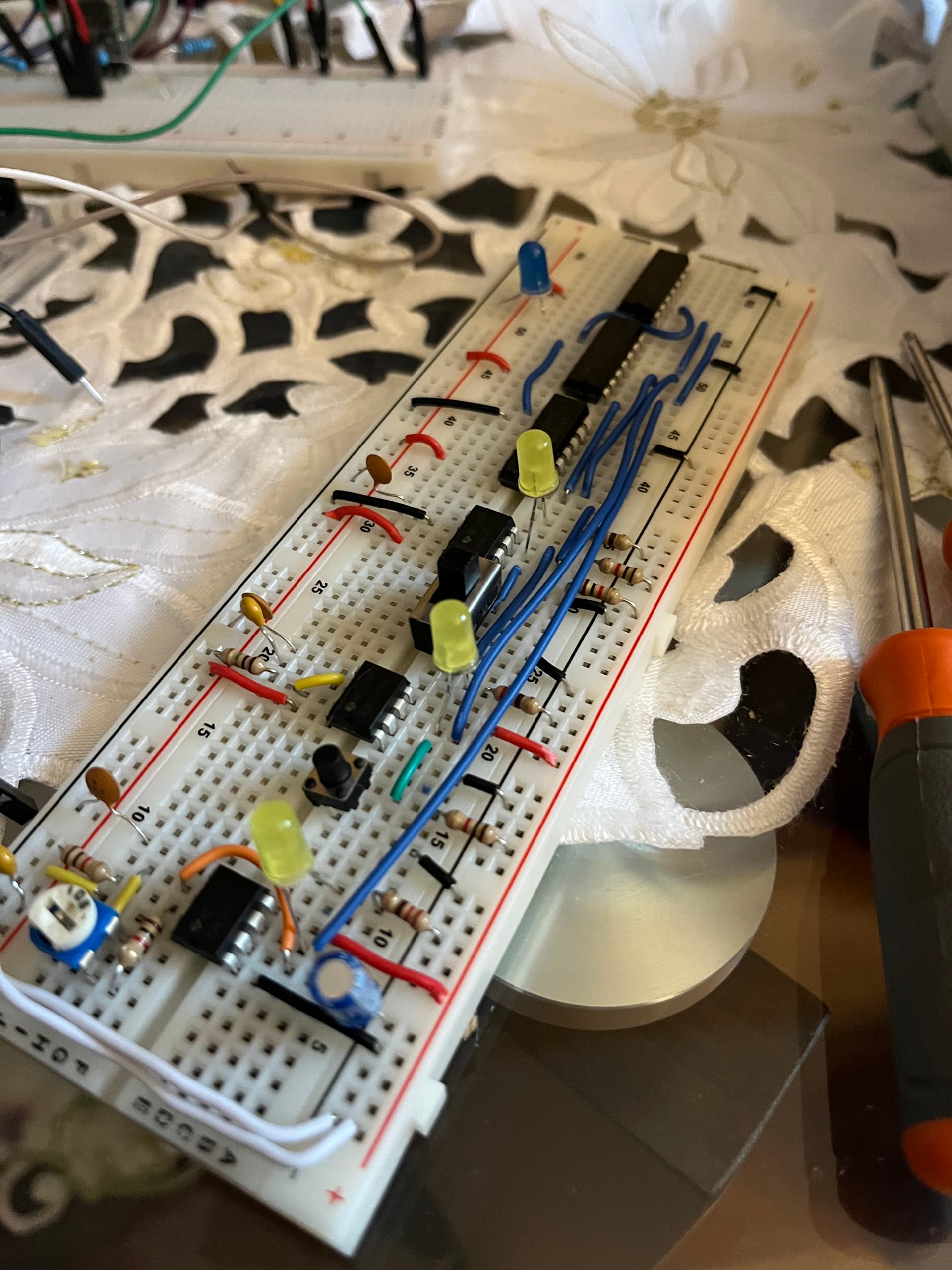
The clock module is a fundamental part of any computer. It acts as the system’s heartbeat—providing the timing signals that coordinate all operations. In order for each signal to be processed correctly, it must be synchronized with the clock. This ensures that data is read and written at the right moments, preventing errors and ensuring smooth operation. It also allows for an engineer to time step through the program, which is essential for debugging and understanding how the computer executes instructions. But to understand how the clock works, it's important to first grasp somebasic circuit conceptslike voltage, transitions, and how logic gates respond to changes over time.
Next, you should learn about capacitors, which is a key component in creating stable clock signals.Click to read my blog and to learn about Capacitors.
Additionaly, understanding resistors and how they work with capacitors to form RC (resistor-capacitor) circuits is crucial. These circuits can create oscillations that generate clock signals.Click to read my blog and to learn about RC circuits.
Finally, you should familiarize yourself with the 555 timer IC, which is commonly used to generate clock signals.Click to read my blog and to learn about the 555 timer.Once you have a solid foundation in these concepts, you can appreciate how the clock generates a stable signal that synchronizes the CPU and other components.
🏗️ Computer Architecture Components
What is a Computer?
A computer is a machine that takes input, processes it using a set of instructions (software), stores and retrieves data (memory), and produces output. At its core, it's a combination of logic, timing, and structured data manipulation.
The 6502 computer demonstrates these fundamental principles in their purest form, showing how binary logic gates can be combined to create complex computational systems.
What's a Microprocessor (CPU)?
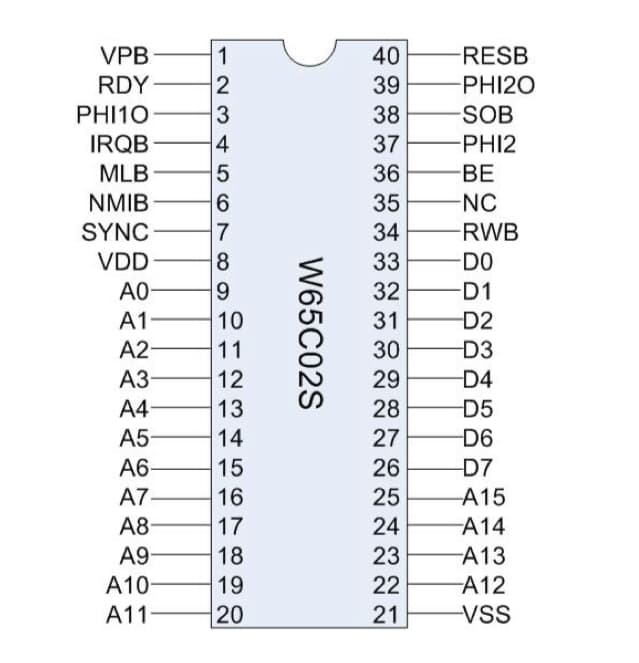
The microprocessor—also known as the Central Processing Unit (CPU)—is the brain of the computer. It reads instructions from memory and executes them, controlling all operations. A CPU consists of an arithmetic logic unit (ALU) for calculations, a control unit for instruction sequencing, and registers for temporary data storage. It has a program counter to track the current instruction (fetched from ROM -- the program you write) and a stack pointer for managing subroutine calls.
Inside the microprocessor, there are built-in op codes (operation codes) that tell the CPU what to do, like add numbers or jump to a different instruction. The 6502 has a simple yet powerful instruction set that allows for efficient programming in assembly language. (Seen at the bottom of the page)
In this project, I used the 65C02, a classic 8-bit CPU that can process 8 bits of data at a time.
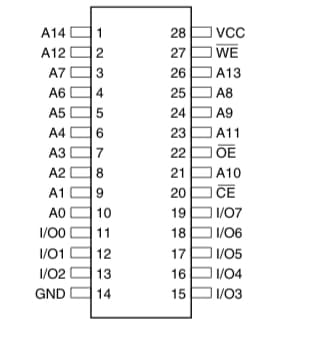
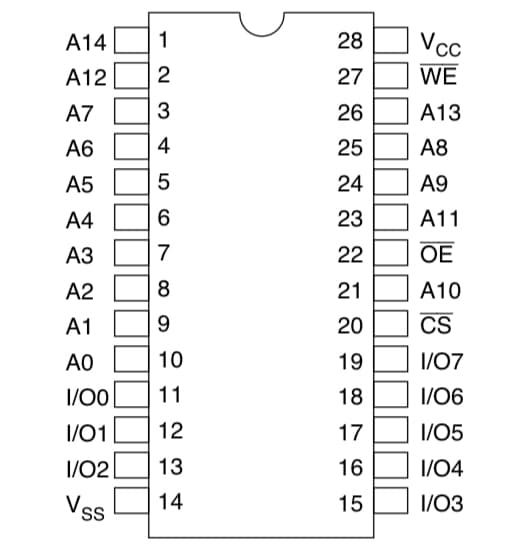
What's ROM (Read-Only Memory)?
ROM stores permanent instructions that the CPU runs when powered on—like boot code or core programs. Unlike RAM, ROM retains data even when the power is off.
I programmed the ROM with custom 6502 assembly code using an EEPROM programmer. At first I used the EEPROM software to manually write the OP Codes in hex. This became very tedious and writing assembly code that then could be converted into machine code was a more efficient approach. The process was to write the assembly code on a txt file, assemble it, and then program the ROM by uploading the binary file to the EEPROM software and clicking program. This chip contains the bootloader and main program instructions that tell the CPU how to initialize the system and communicate with peripherals.
What's RAM (Random Access Memory)?
RAM is temporary memory used to store data the CPU is actively working with. It's fast and flexible, but erased when power is cut.
In my build, RAM holds variables, buffers, and subroutine data during execution. The 6502 uses a 16-bit address bus, allowing it to access up to 64KB of combined ROM and RAM memory space. However, the memory map is divided into different sections where parts of memory are reserved for specific purposes, like the stack and I/O devices.
If you'd like to learn how computer communicate click to read about binary!
Binary and Hex: How Computers Communicate.What is a Stack?
The stack is a special area of memory used for managing subroutines and storing return addresses. It works in a Last-In-First-Out (LIFO) way and is key to things like function calls.
In the 6502, the stack is located in memory page 1 ($0100-$01FF) and the stack pointer register keeps track of the current position. When you call a subroutine, the return address is automatically pushed onto the stack.
Without the stack, managing function calls and returns would be chaotic. It allows for structured programming and makes it easier to handle nested calls and interrupts. For example, when you call a subroutine, the CPU pushes the return address onto the stack, and when the subroutine finishes, it pops that address back to continue execution. Before the RAM was installed, I could not use subroutines, which made the code very long and hard to read. The stack allows for cleaner code and better organization of program flow.
Read more in my blog post on the stack.
What's a Versatile Interface Adapter (VIA)?
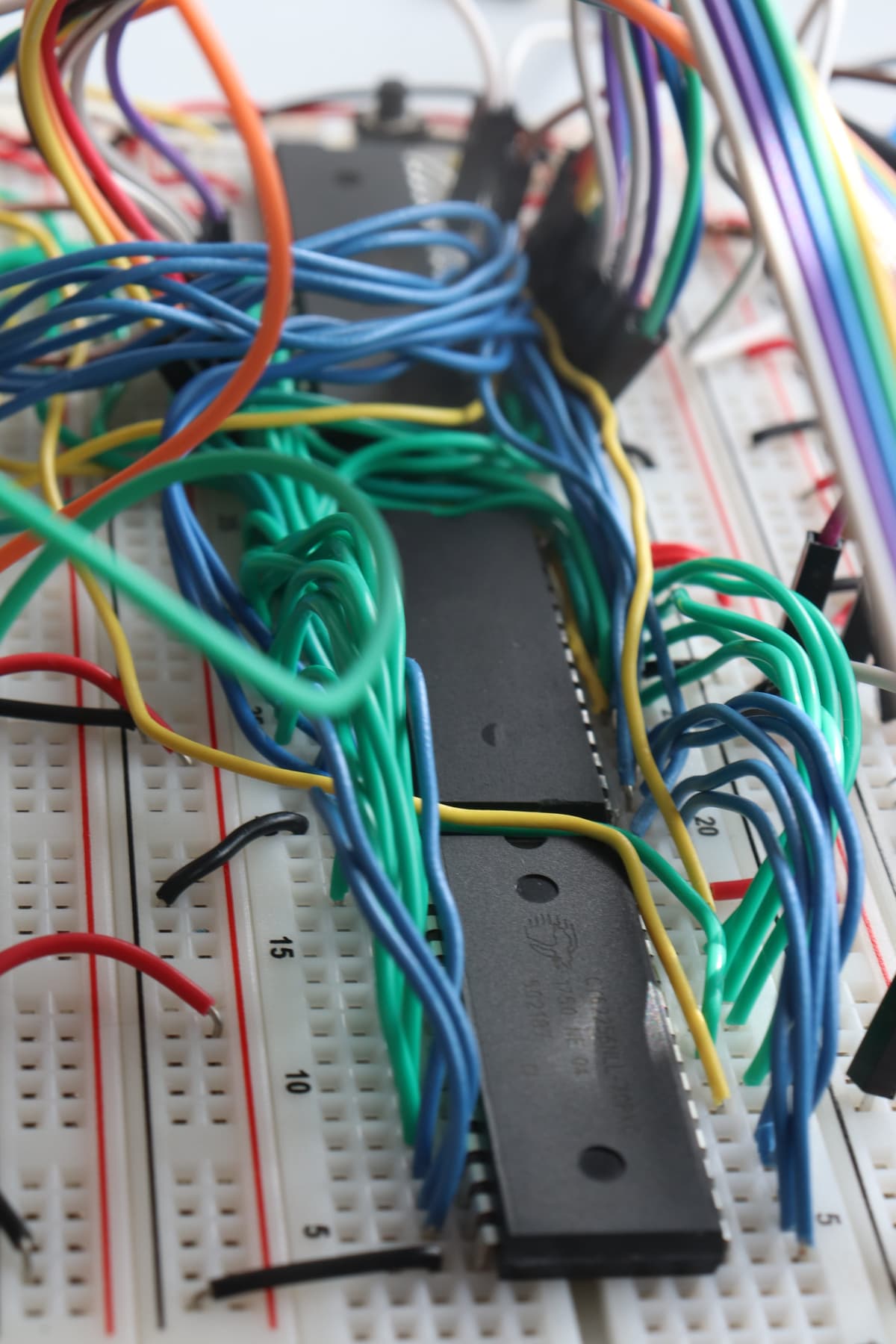
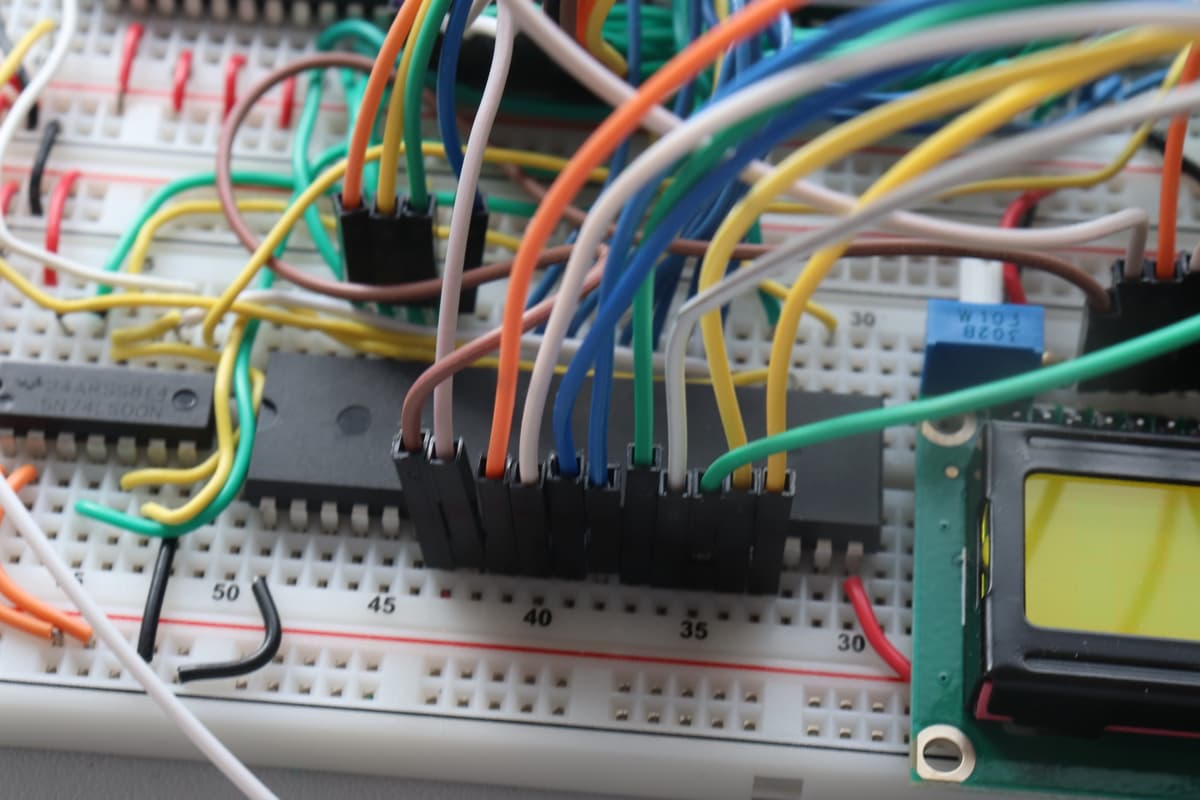
The VIA chip provides general-purpose input/output (GPIO) ports and timers. It's how the CPU communicates with peripherals like buttons, LEDs, and displays.
I used the 65C22 VIA to interface with the LCD display and control LEDs. The VIA has two 8-bit I/O ports (Port A and Port B) and two programmable timers, making it incredibly versatile for hardware interfacing. Without the VIA, I would have to manage all the I/O operations directly through the CPU, which would be much more complex and time-consuming.
What's an LCD Display?
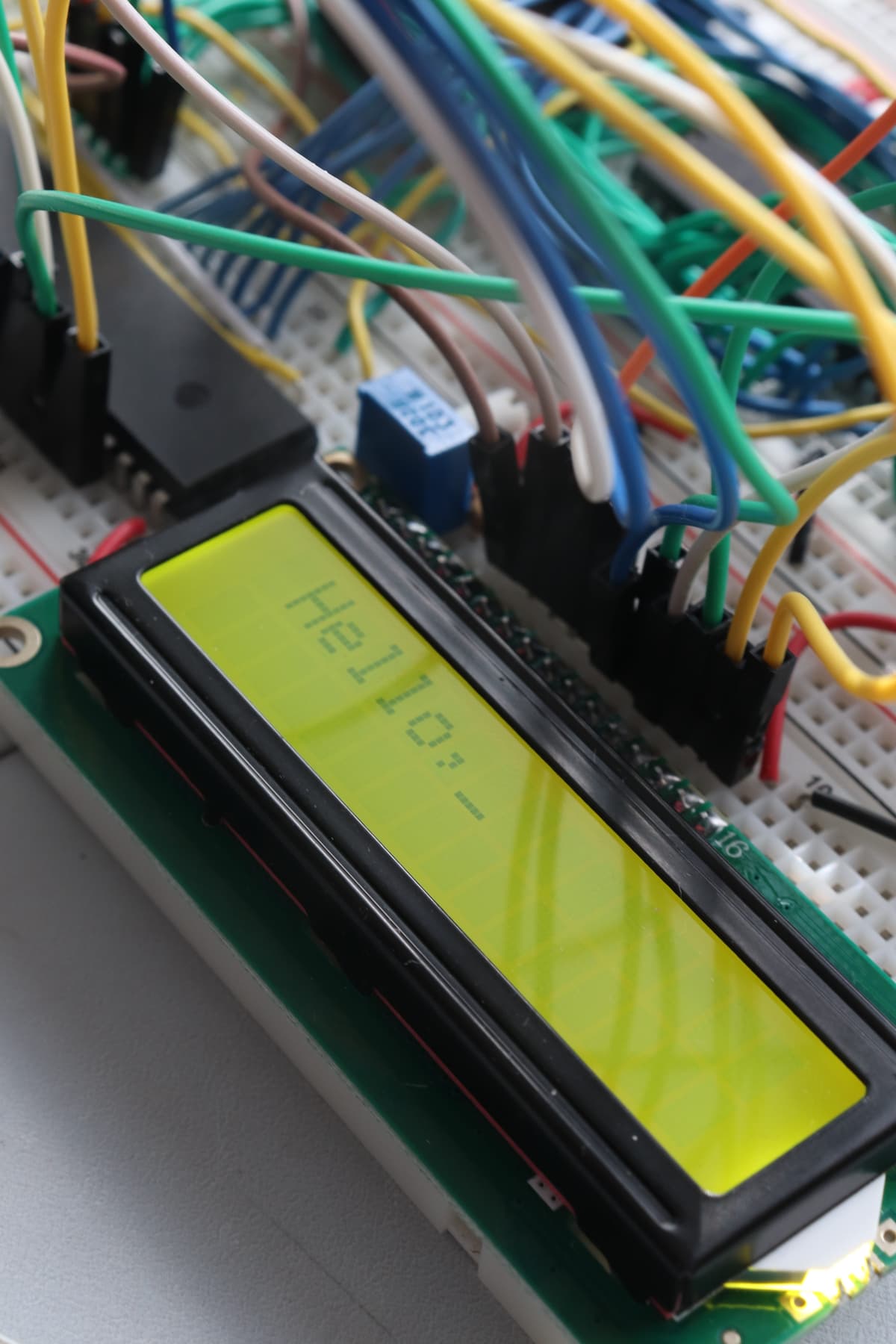
The LCD (Liquid Crystal Display) in this project receives instructions from the CPU to display characters. I connected it through the VIA and used assembly code to send control and data signals.
The HD44780-compatible LCD controller requires specific timing sequences for initialization and character display. By sending the right combination of enable signals and data bits, I achieved output like "Hello World" and real-time status information.
🏗️ Assembly Language Programming
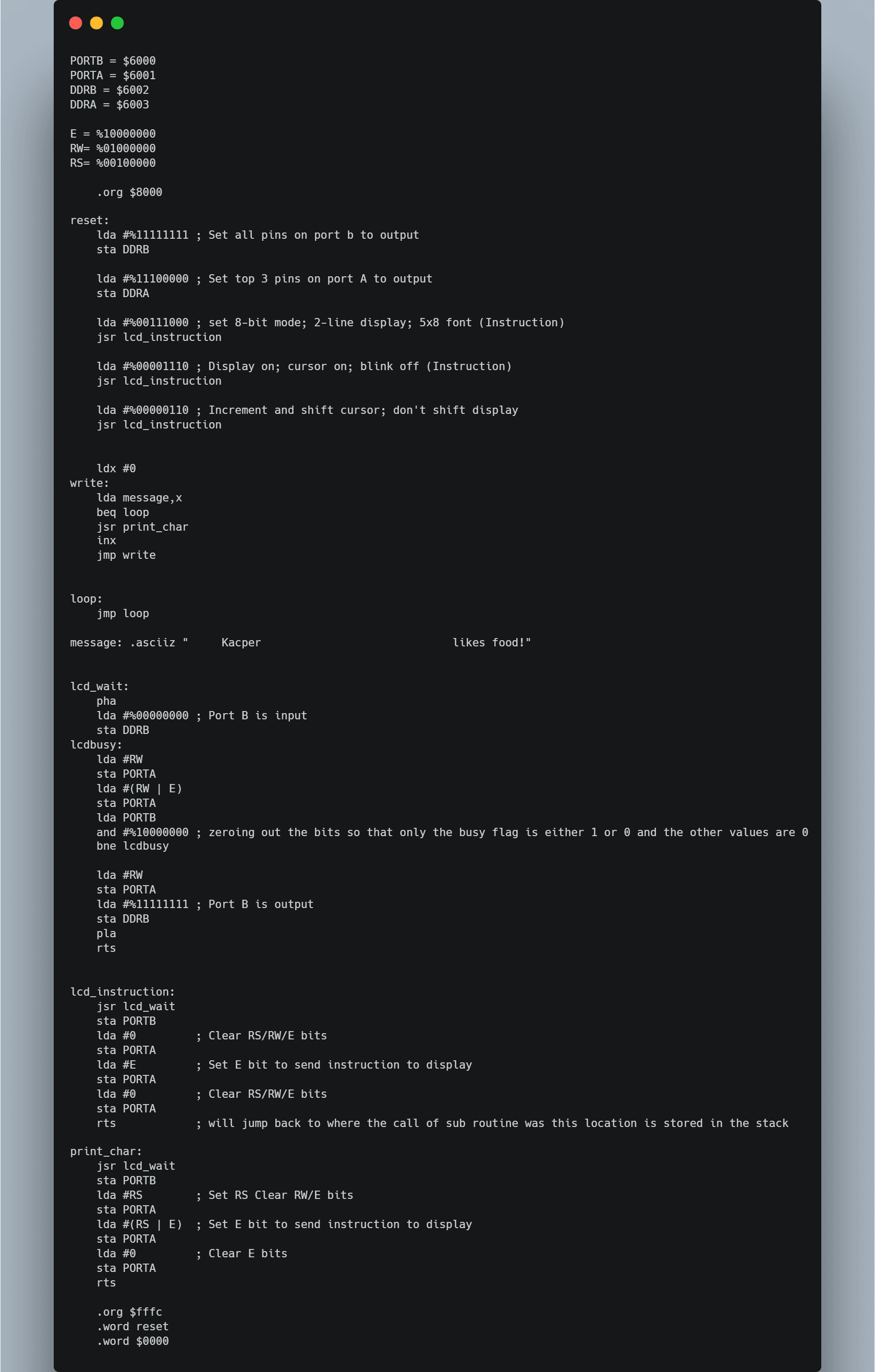
This is where the magic happens! The 6502 assembly language is a low-level programming language that allows you to write instructions for the CPU. It consists of a set of opcodes (operation codes) that tell the CPU what to do, like moving data, performing arithmetic operations, or jumping to different parts of the program.
The 6502 has a simple yet powerful instruction set that allows for efficient programming. Each instruction corresponds to a specific operation, and you can combine them to create complex programs. The assembly code is written in a text file, which is then assembled into machine code that the CPU can execute.
In this project, I wrote a "Hello World" program that initializes the LCD display and prints the message.